General Reports
Reports Tab
This section contains general administrative, communication, and operational
reports used to track fax activity, patient outreach, payments, and office inventory.
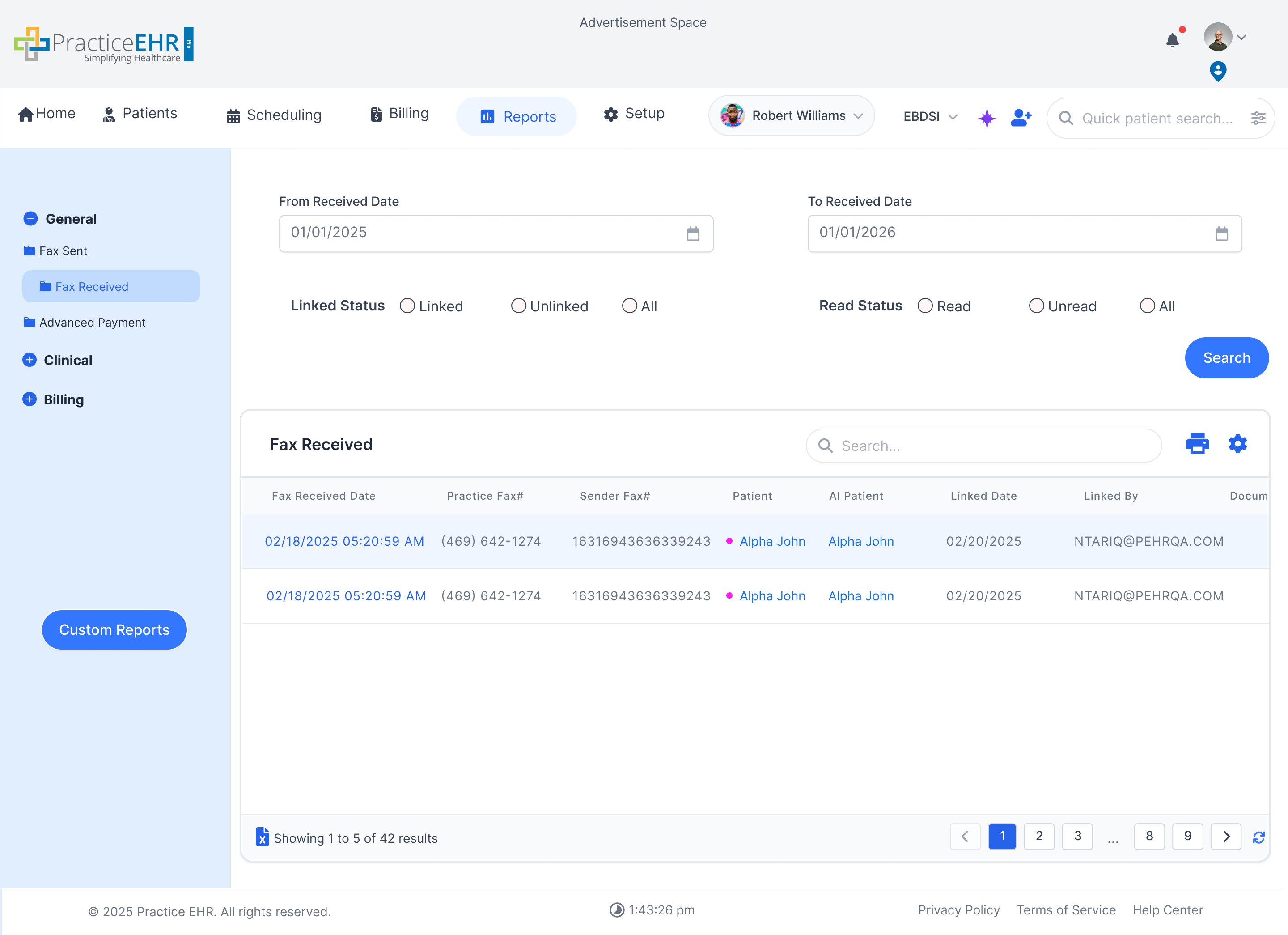
Fax Received
- Shows inbound fax activity in a report grid with direct access to fax details from the
received date and other linked actions visible in the screenshot.
- Useful for monitoring document intake, identifying unreviewed items, and tracing the
source or timing of received fax traffic.
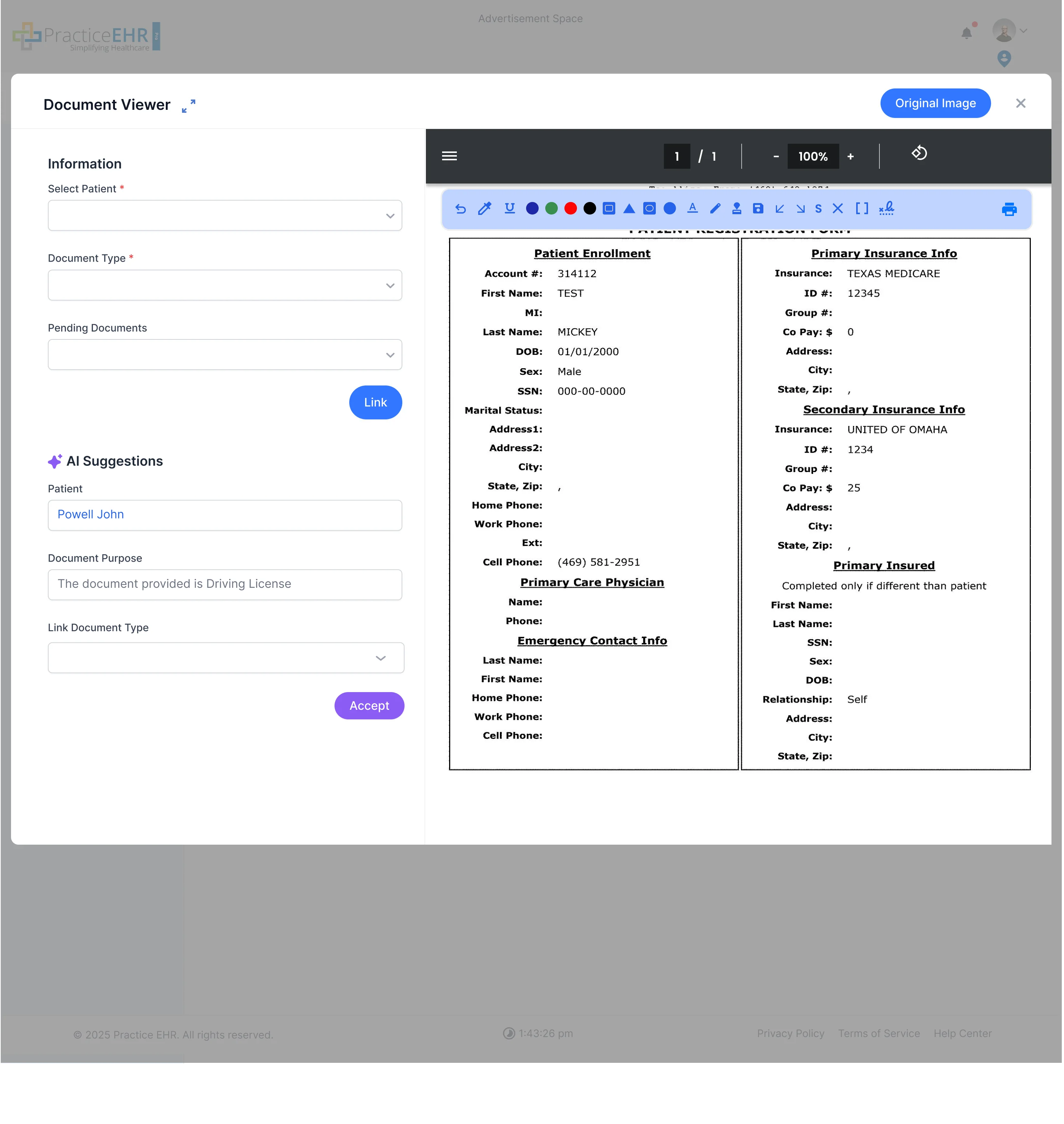
Fax Received Link Document
- Opens a linking workflow from the Fax Received grid so staff can attach the incoming fax to
the correct patient, document type, and pending document record.
- The modal also shows AI Suggestions, which helps speed up document classification before the
fax is linked into the chart.
Fax Received Document Viewer
- Displays the received document in a viewer with annotation and navigation tools after users
open the fax from the report grid.
- Supports review of the actual fax content while the link and patient details remain visible
alongside the document.
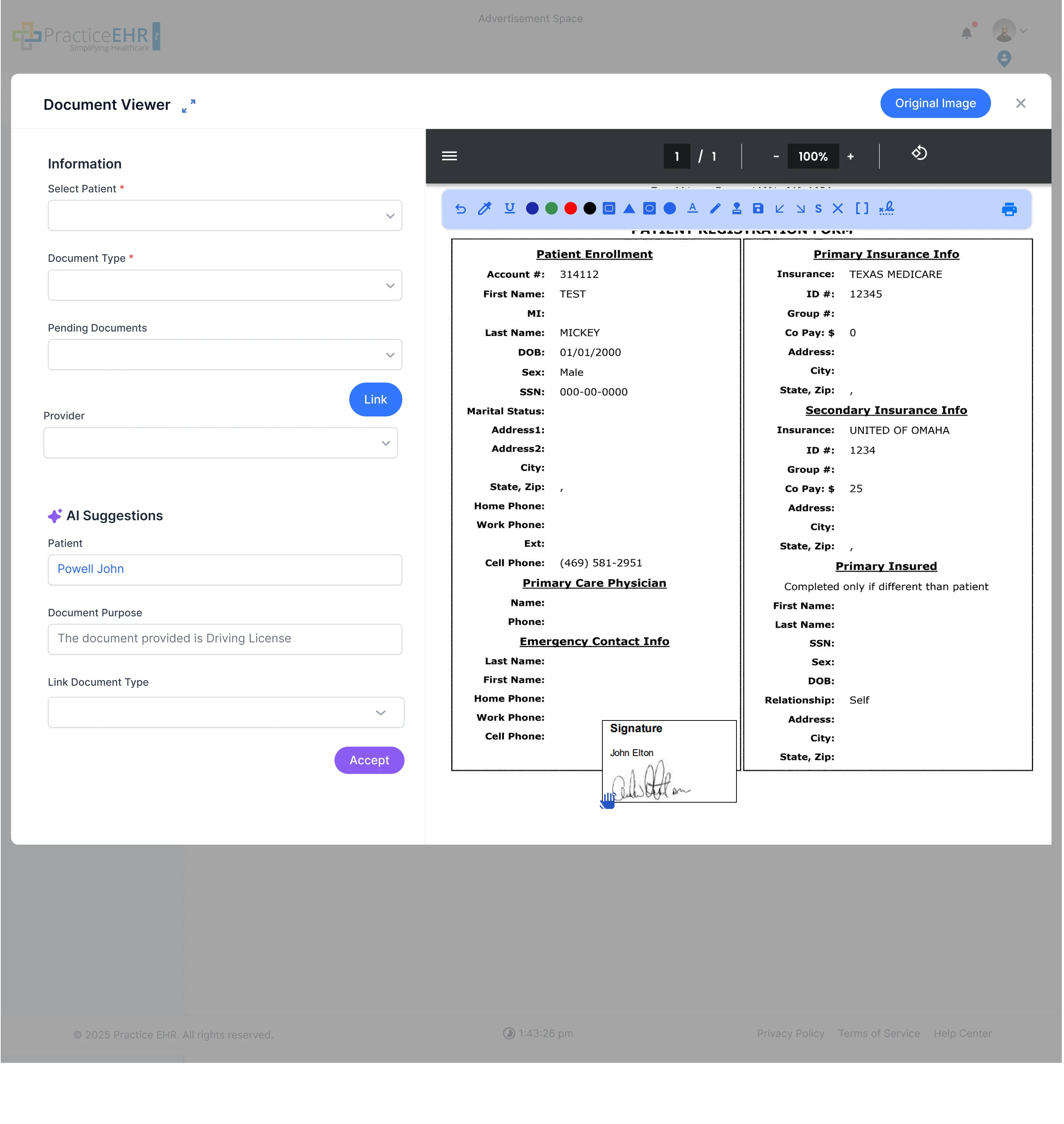
Fax Received Signature View
- Shows a deeper document-viewer state where staff can review more detailed page content,
including a visible signature area on the received document.
- Useful when validating that the correct signed paperwork was attached before linking or
completing follow-up work.
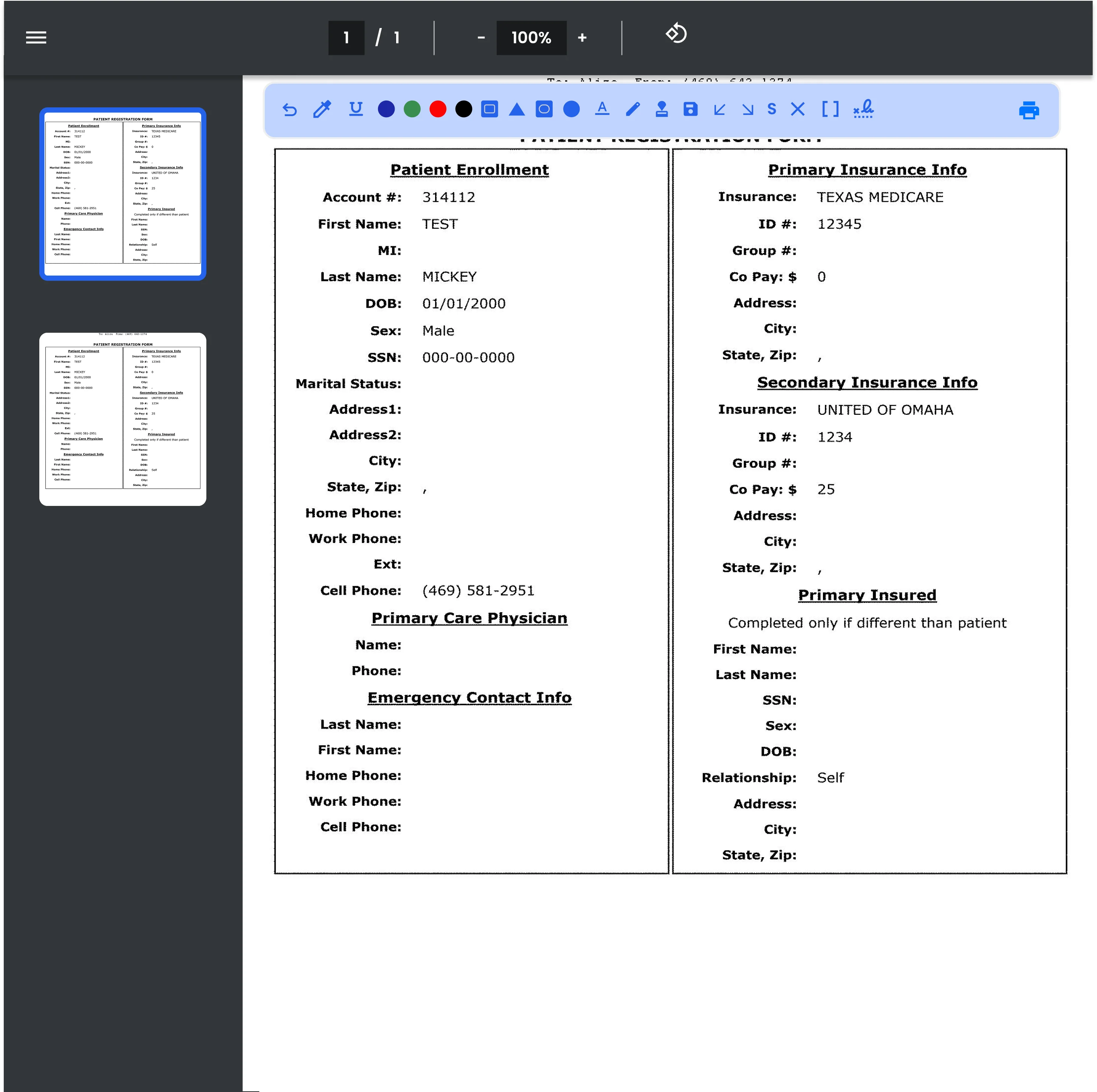
Fax Received Document Thumbnails
- Shows the multi-page viewer state with left-side page thumbnails, which helps users review
longer inbound fax packets and jump between pages quickly.
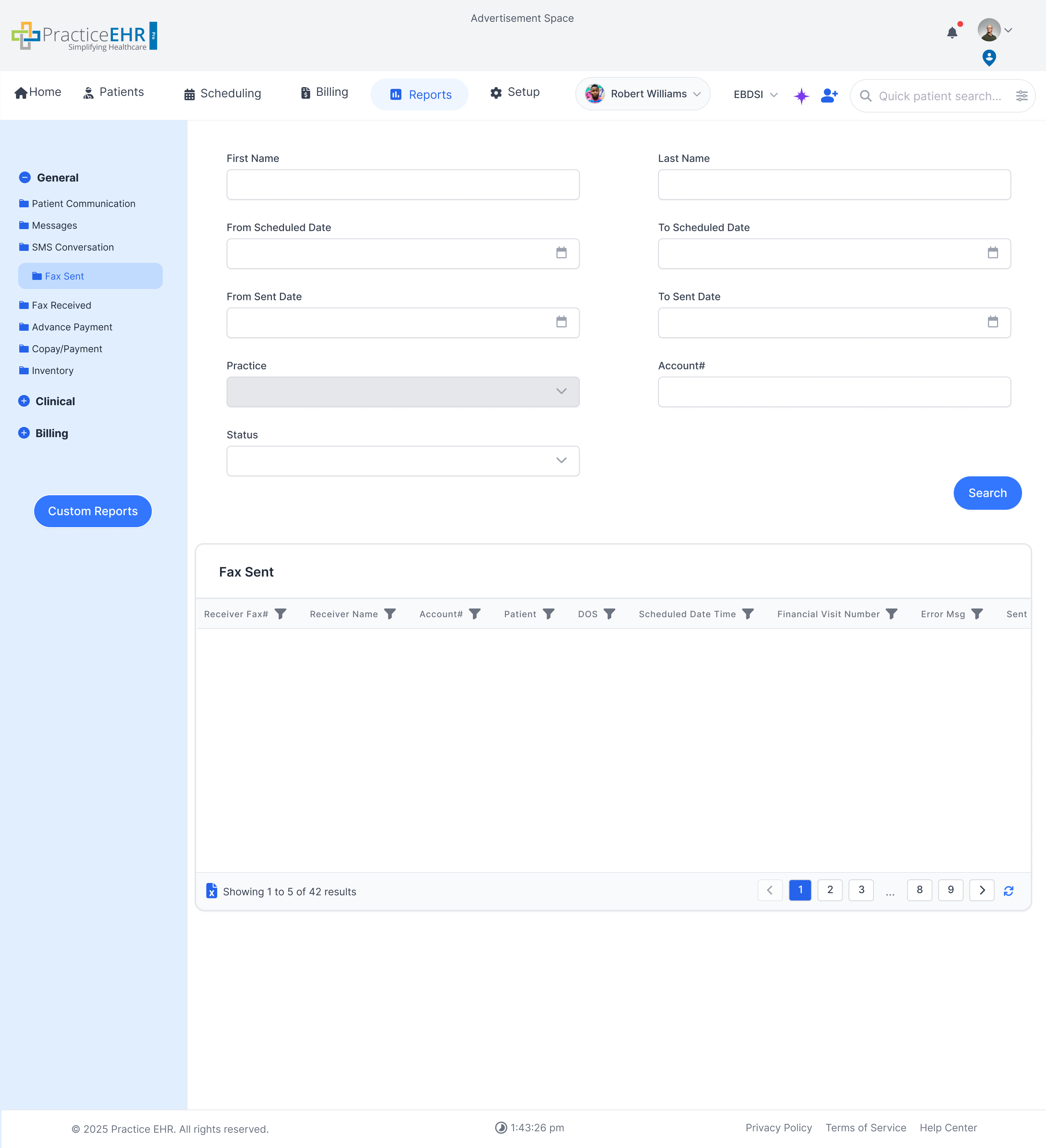
Fax Sent
- Tracks outgoing faxes sent from the system, including destination details and delivery
status for each transmission.
- Helps staff confirm whether referrals, records, or supporting documents were actually
transmitted when expected.
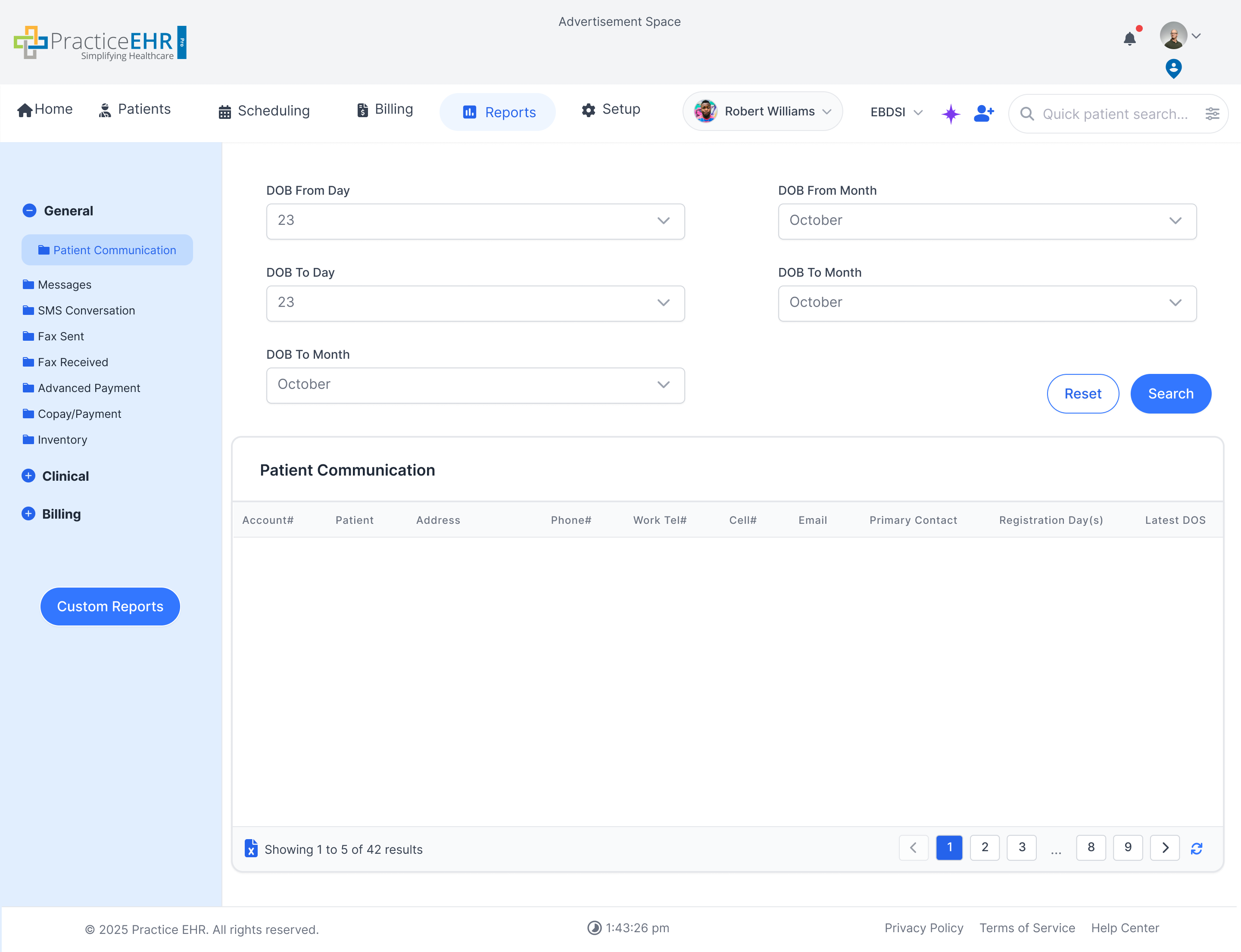
Patient Communication
- Logs communication history sent to patients, making it easier to review outreach across
reminders, follow-ups, and office notices.
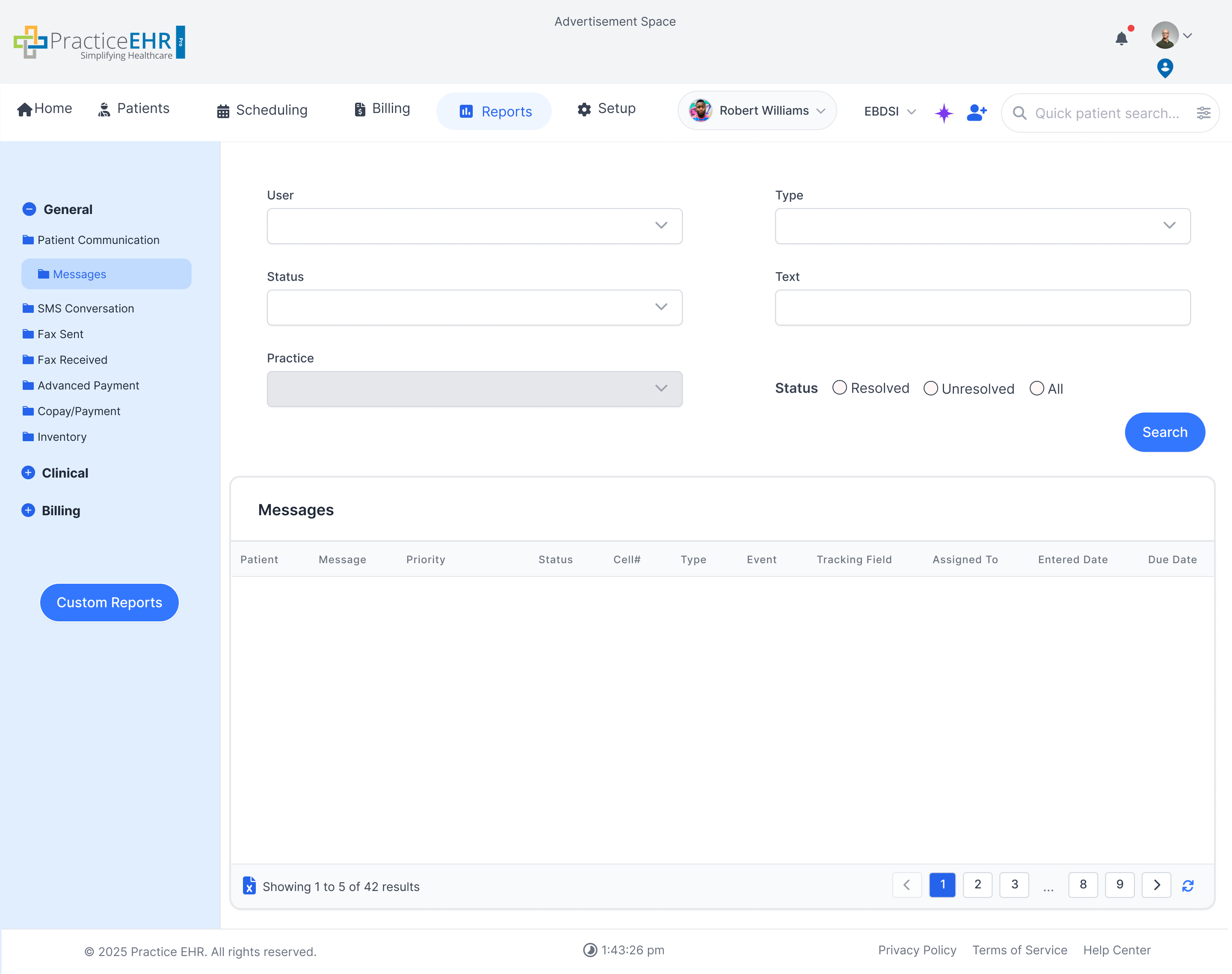
Messages
- Captures message activity for internal staff communication as well as patient-facing
messages where applicable.
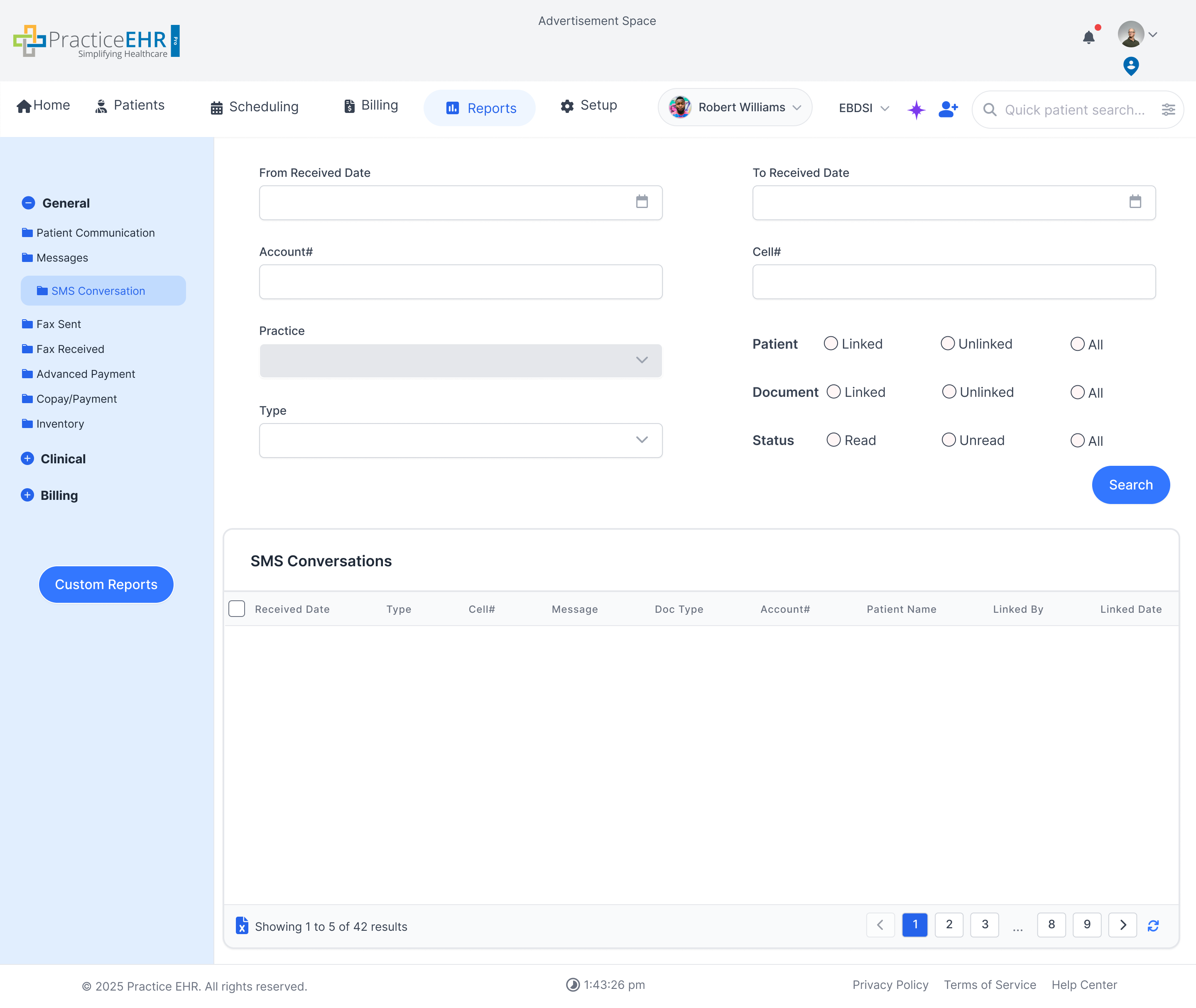
SMS Conversations
- Lists SMS conversation threads with patients so teams can review message history, timing,
and follow-up needs.
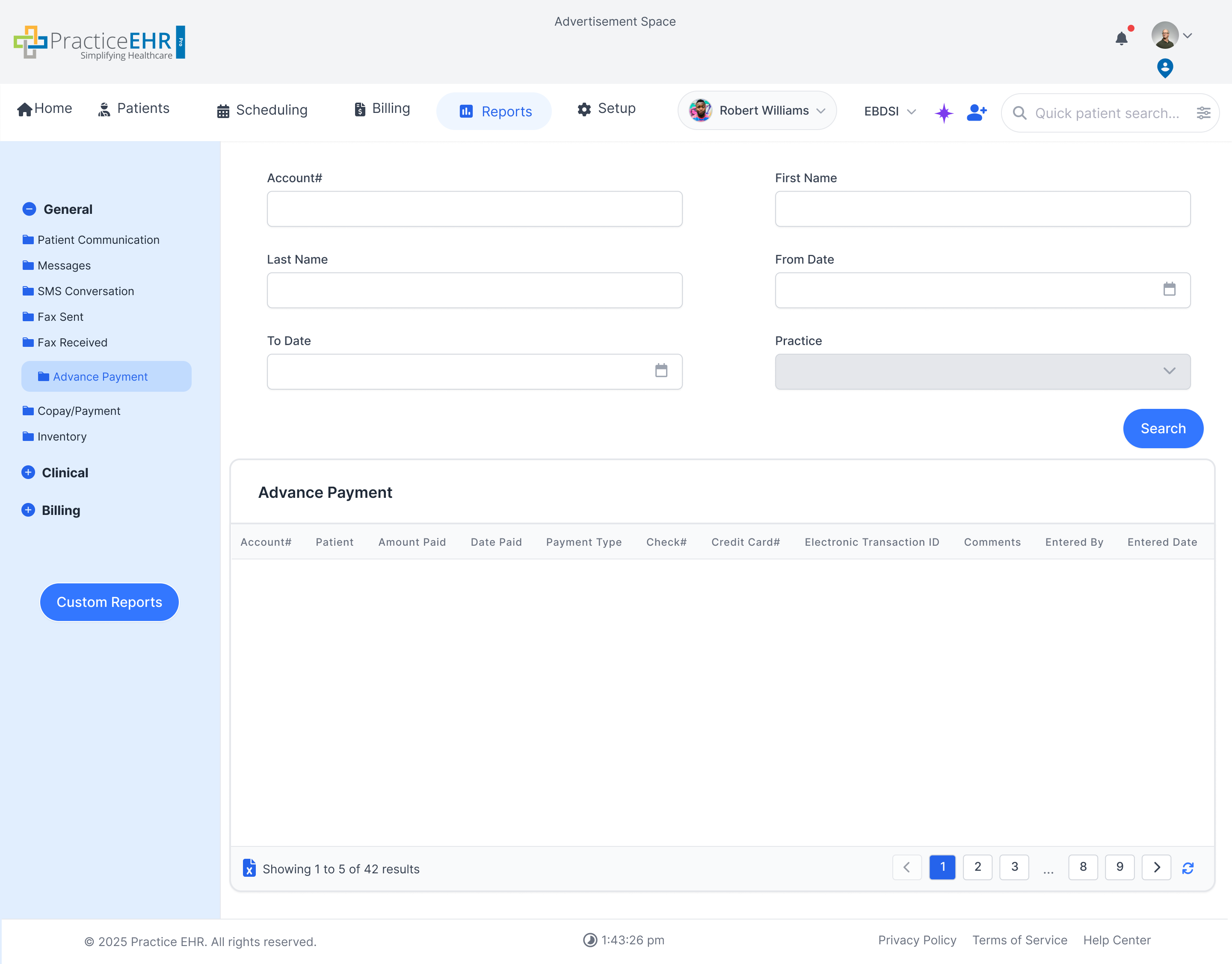
Advance Payment
- Details advance payments received from patients before services are finalized or posted to
charges.
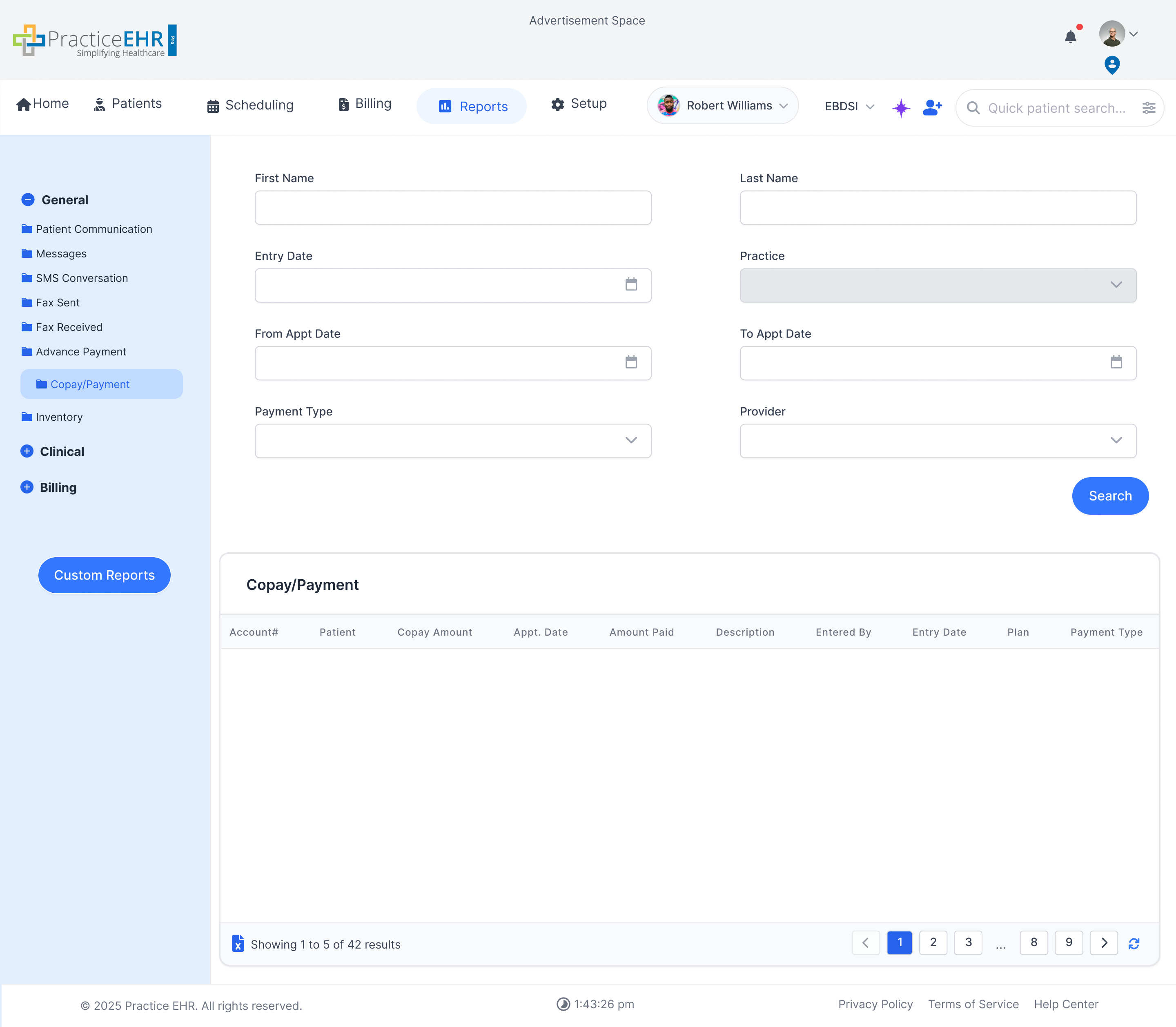
Copay/Payment
- Summarizes collected copays and other patient payments for front-desk balancing and
payment review.
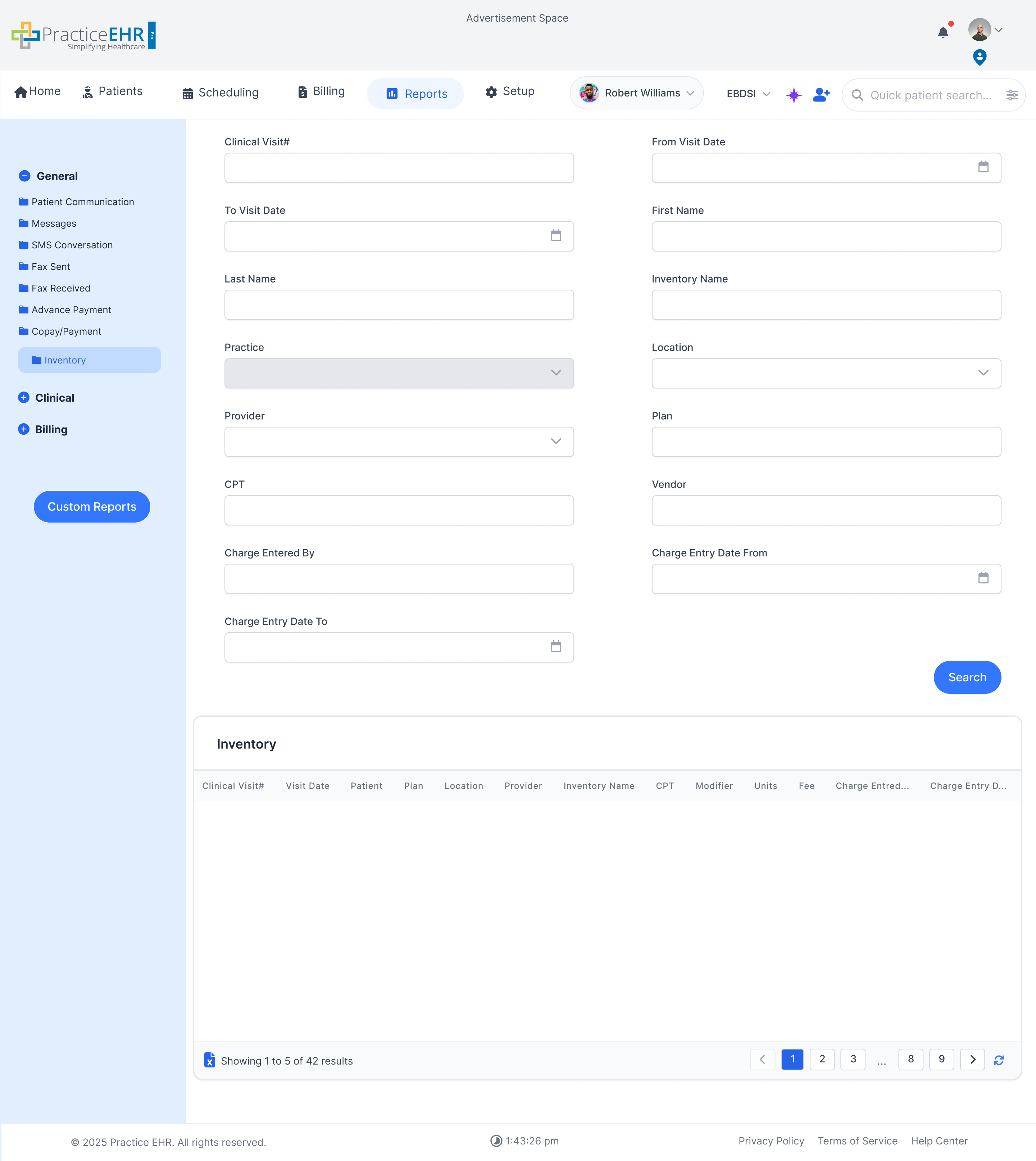
Inventory
- Provides a high-level inventory report to review available stock, usage patterns, or items
that may need replenishment.
Clinical Reports
Reports Tab
This section contains reports related to clinical activities and patient
care, patient exports, and EBDSI follow-up visibility.
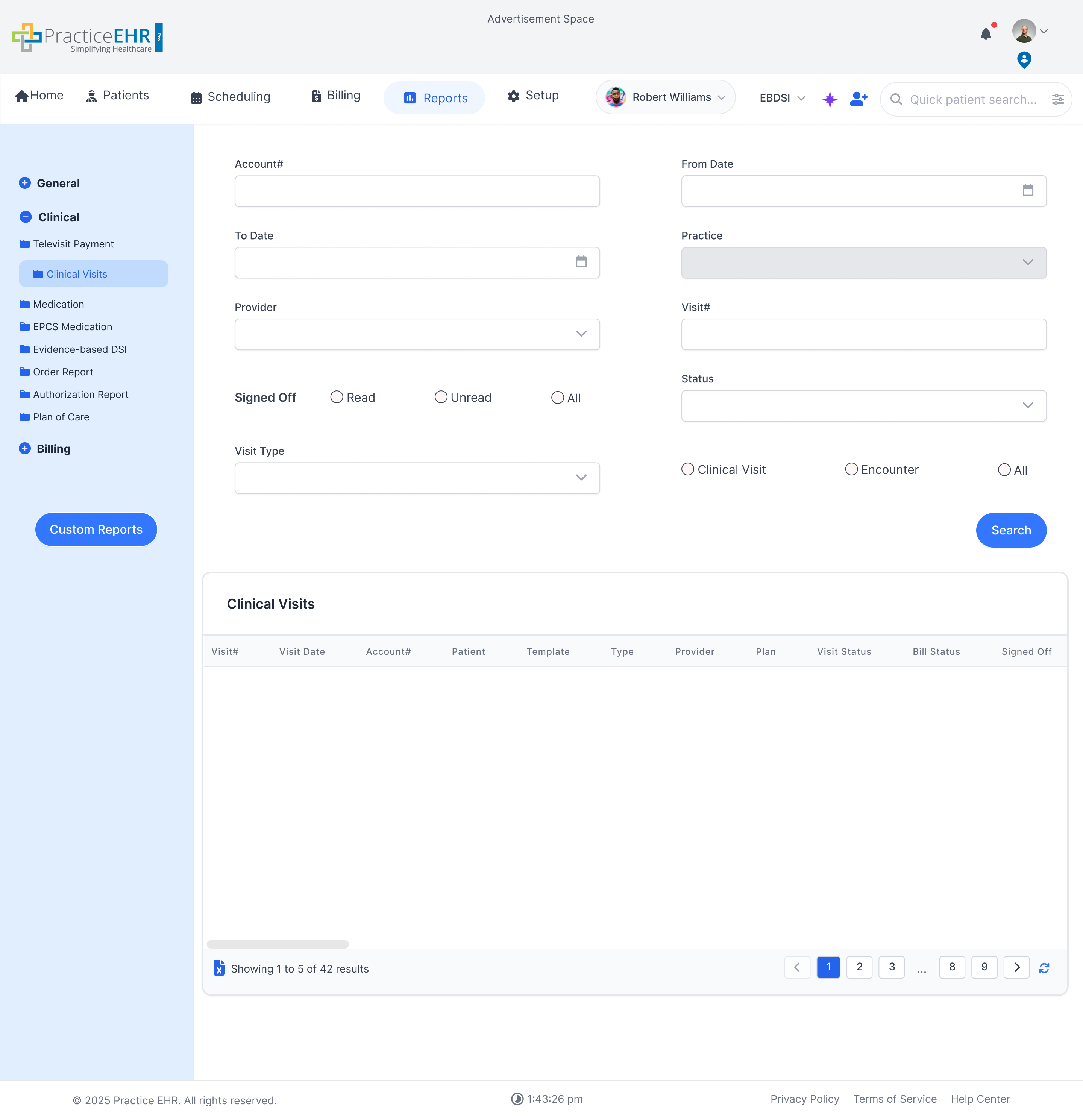
Clinical Visits
- Provides visit-level reporting for encounters, helping teams review volume, providers, and
clinical activity over time.
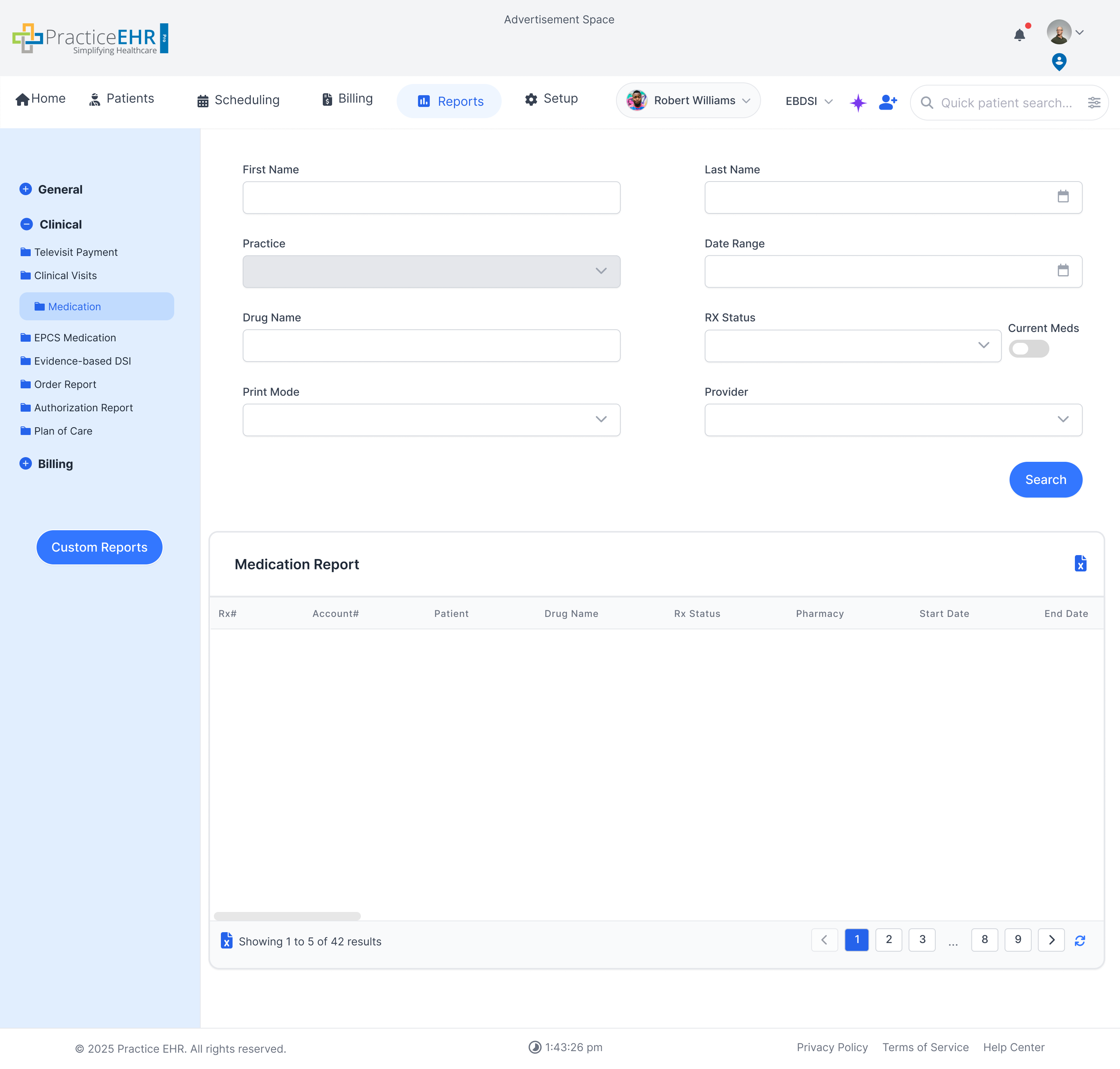
Medication
- Lists prescribed medications and related prescribing activity for clinical review and
medication management workflows.
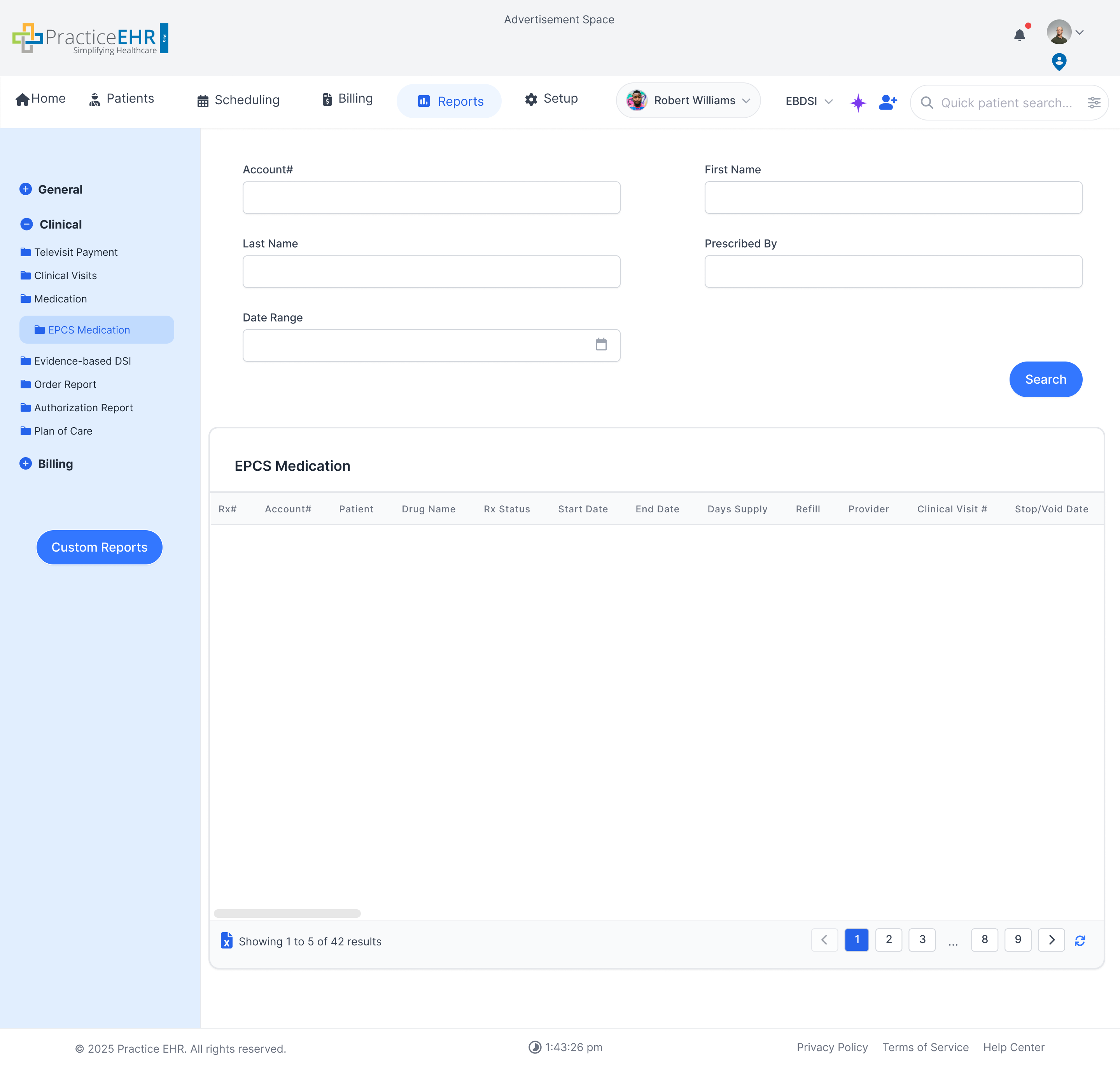
EPCS Medication
- Focuses on electronically prescribed controlled substances so staff can review compliance,
prescribing patterns, and controlled-medication activity.
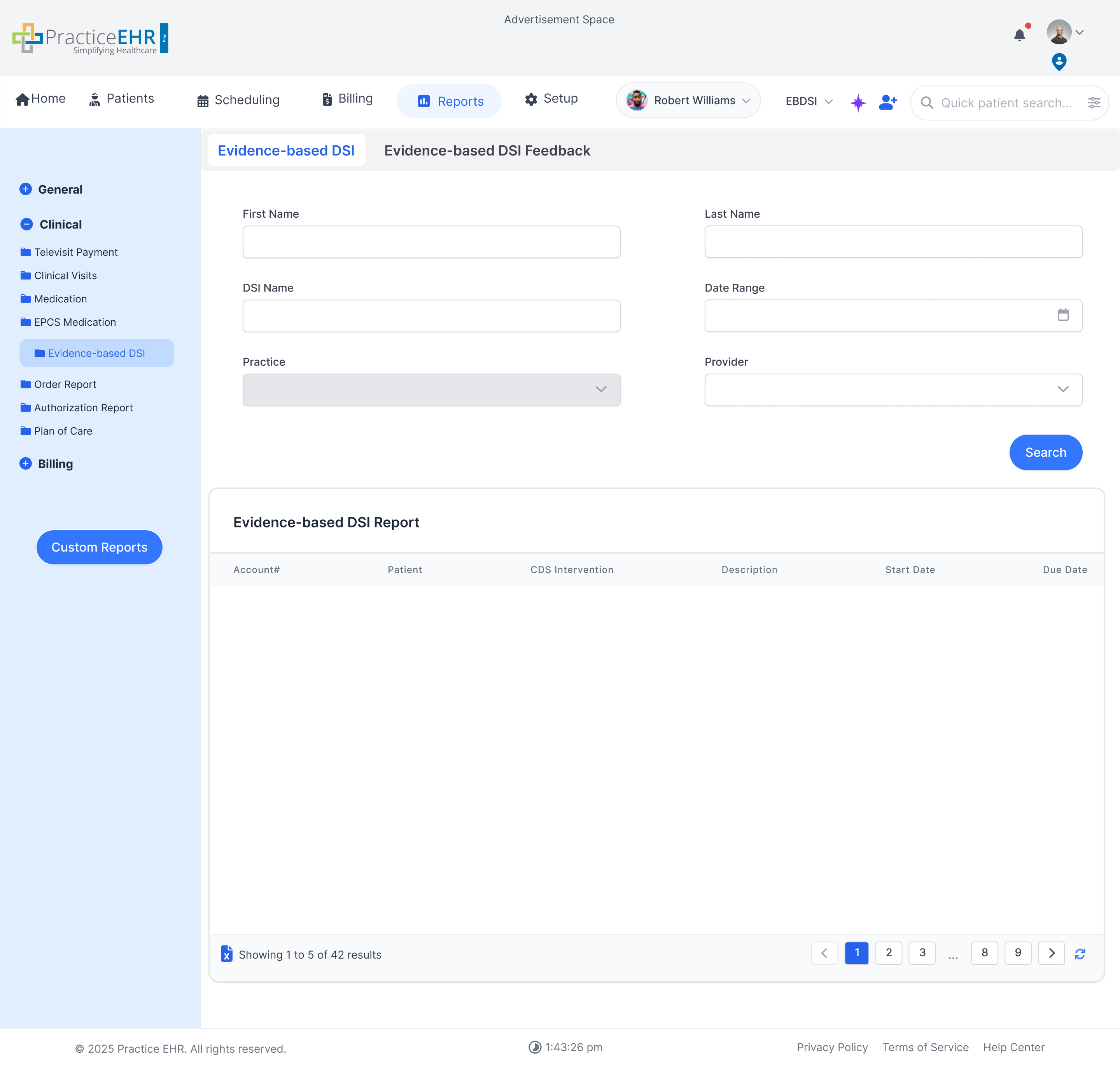
Evidence-based DSI
- Surfaces evidence-based DSI items to support clinical review, outreach, and quality-driven
patient management.
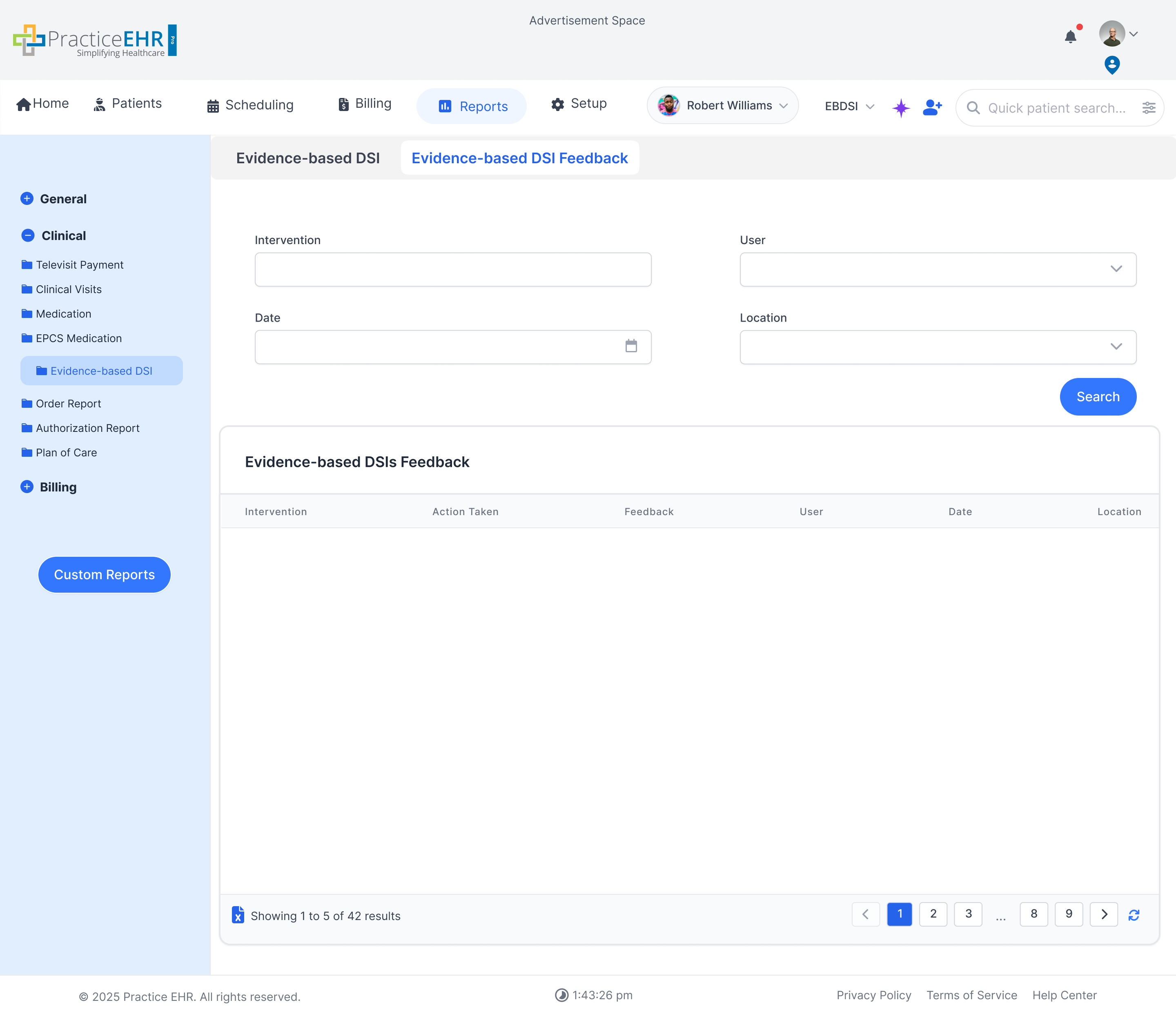
Evidence-based DSI Feedback
- Captures feedback and response details tied to DSI items so the team can assess follow-up
outcomes.
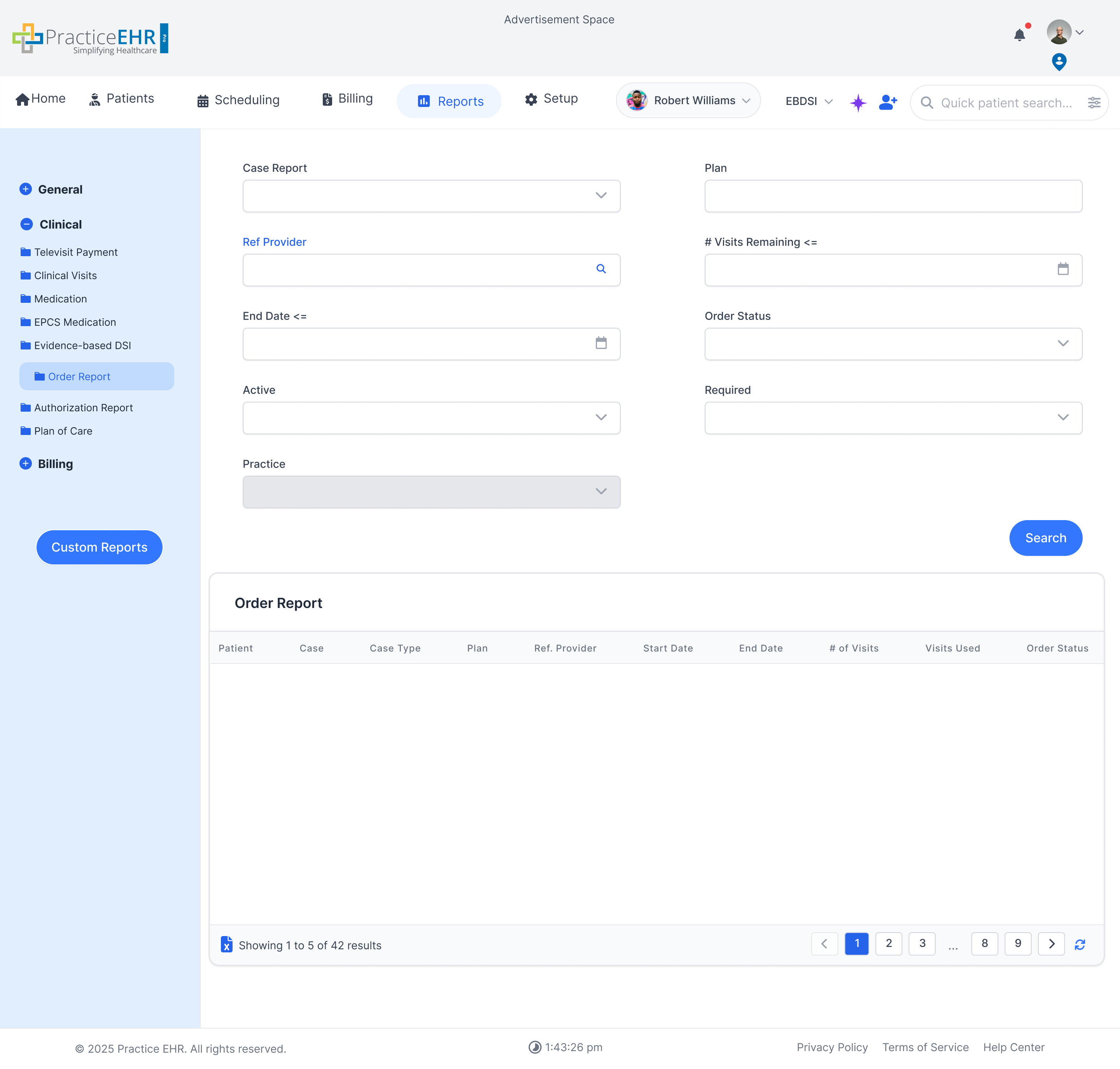
Order Report
- Tracks orders such as labs and imaging, making it easier to review placed orders and their
related clinical workflow.
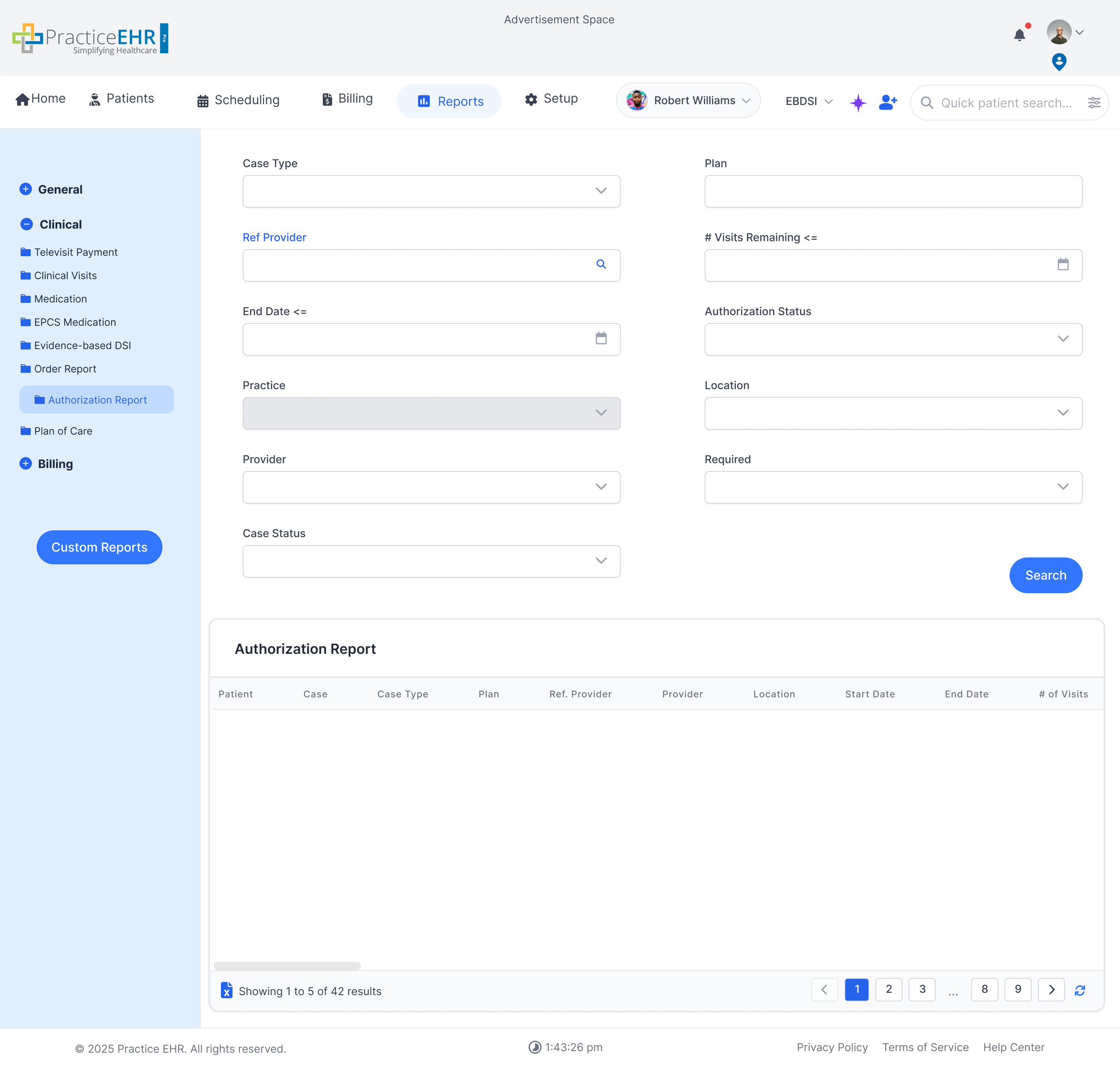
Authorization Report
- Shows authorization-related report data so teams can monitor approval status and pending
insurance requirements.
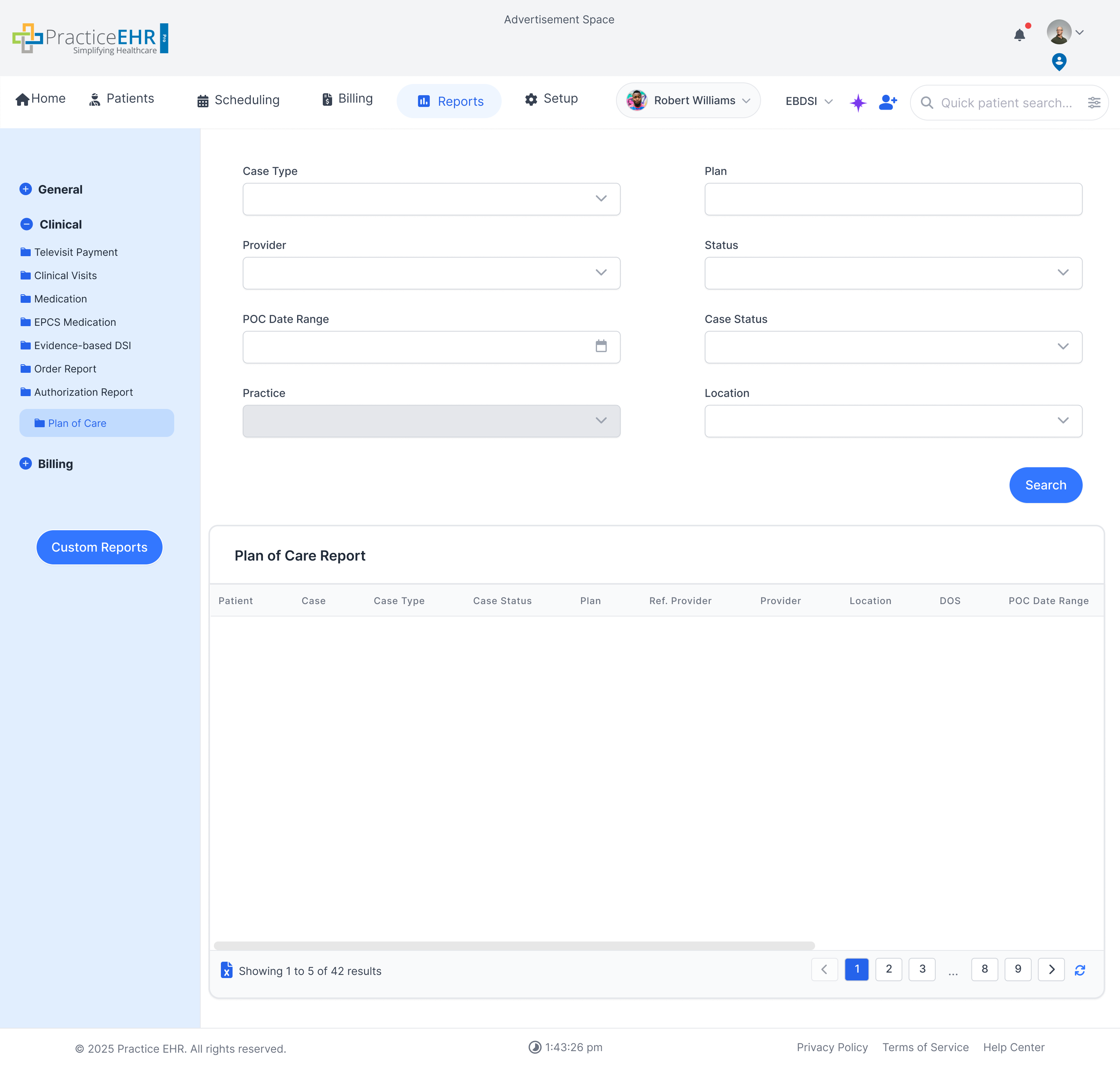
Plan of Care
- Details patient plans of care to support clinical coordination, follow-up, and care plan
visibility.
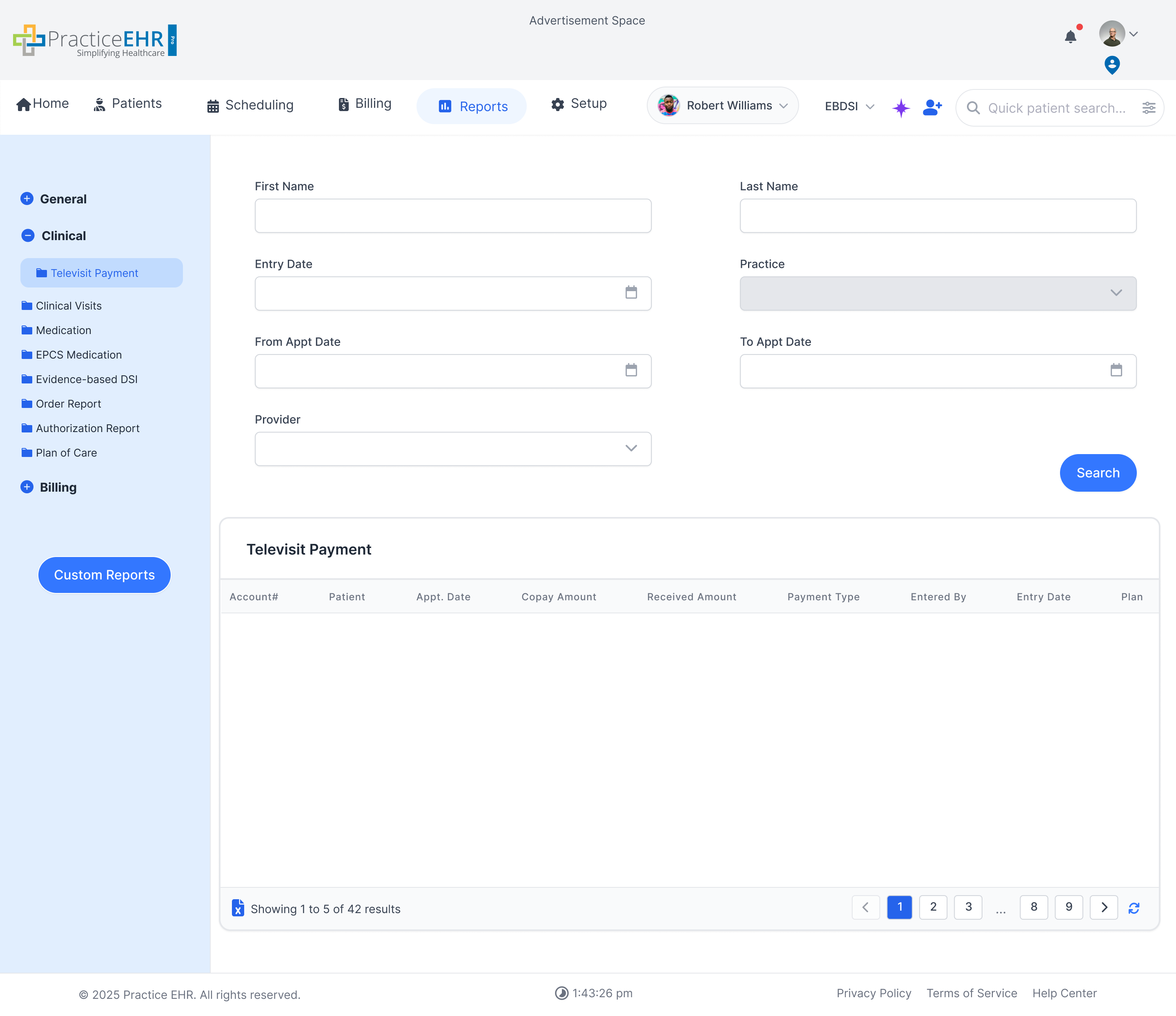
Televisit Payment
- Appears under the Clinical sidebar group in the screenshot and supports review of payment
activity tied to virtual visit encounters.
- Useful when clinical and front-office teams need to reconcile televisit workflow outcomes
with collected copays or received amounts for those appointments.
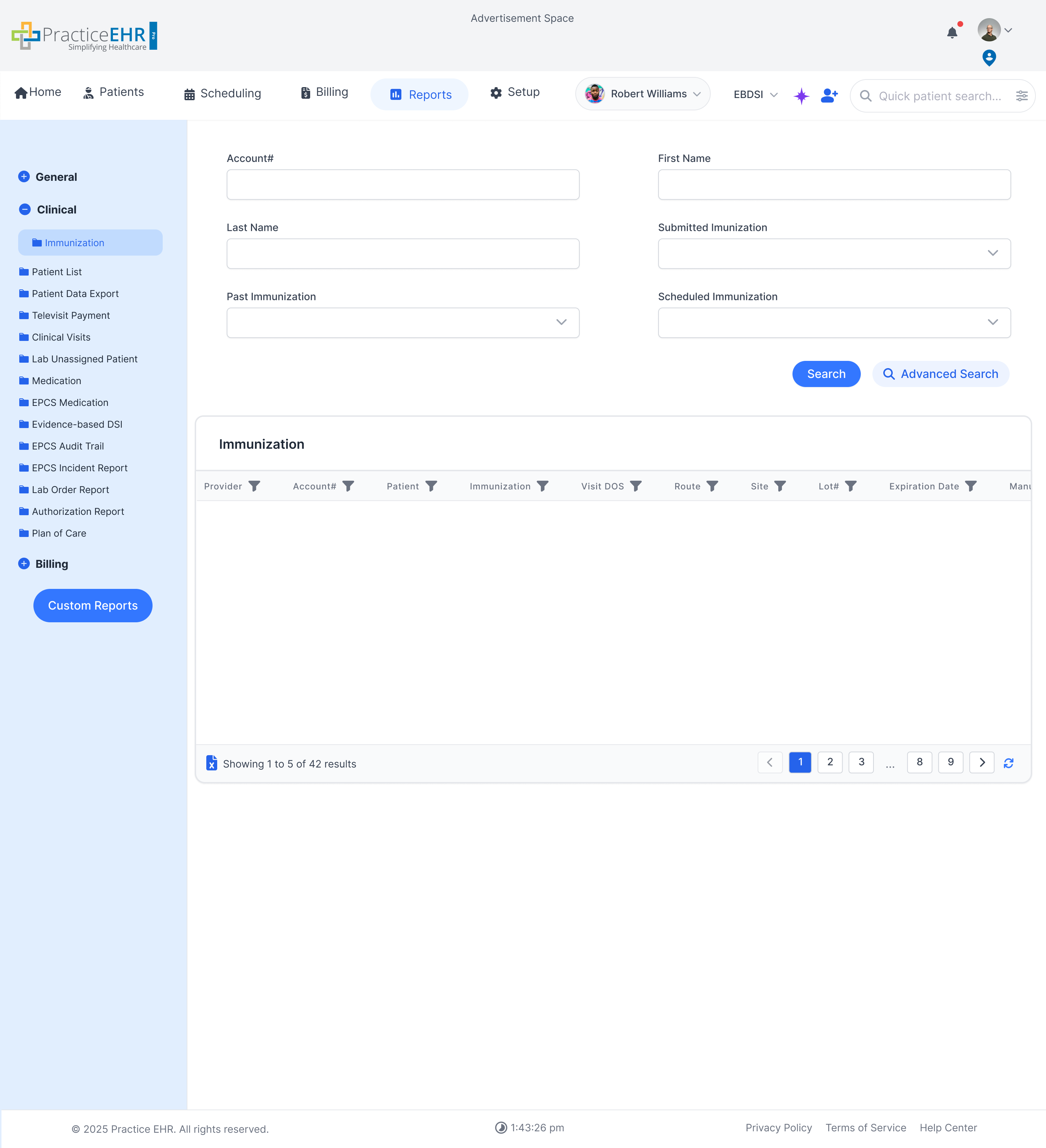
Immunization
- Provides immunization-focused reporting so clinical teams can review administered vaccines,
vaccine history, and documentation status.
- Fits the Clinical report group based on the subject matter shown in the new image and the
related setup flow already documented elsewhere in the project.
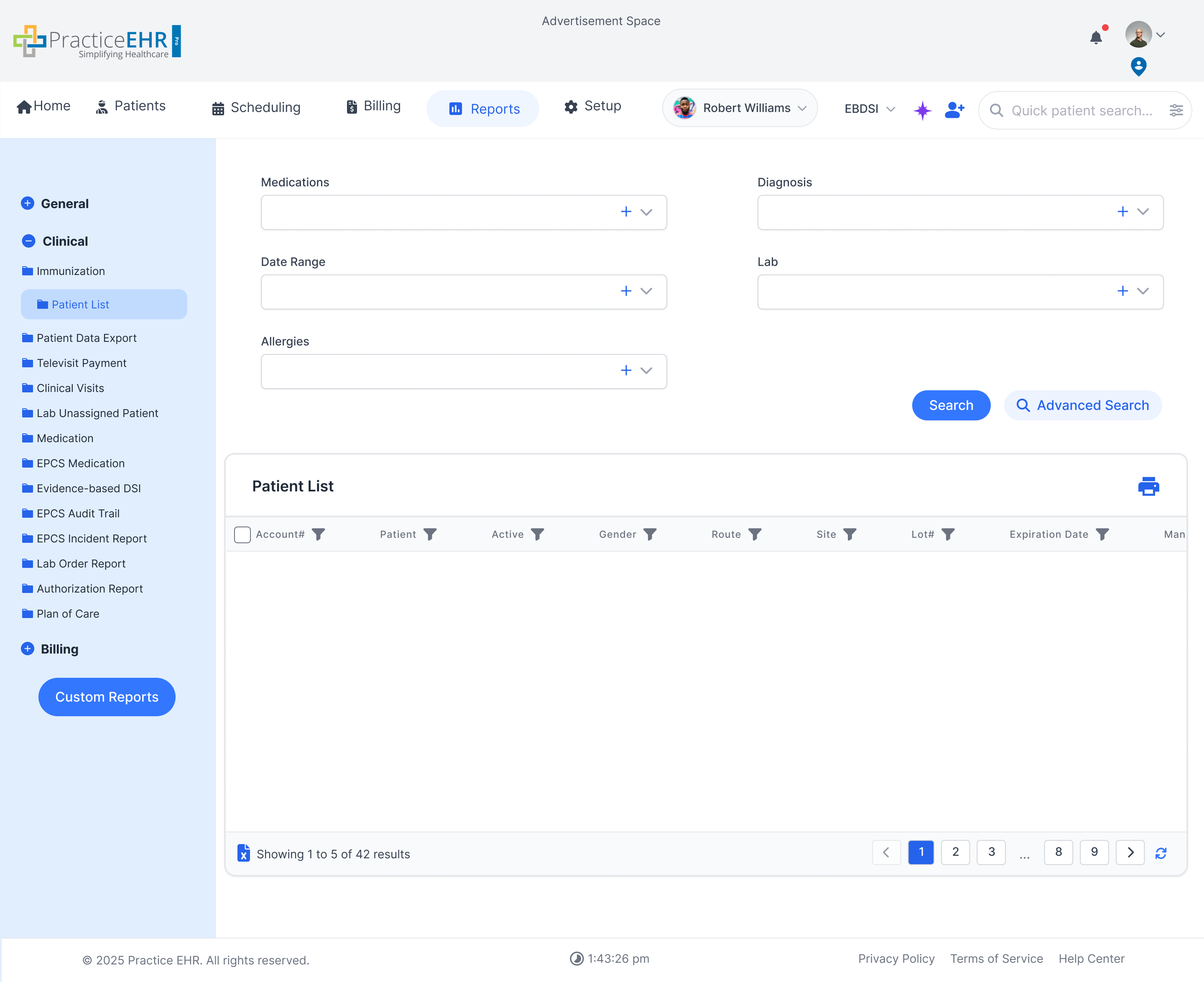
Patient List
- Appears under the Clinical sidebar group in the screenshot and supports searching across
patient records with medication, diagnosis, lab, and allergy filters.
- Works as a broad clinical reporting list for finding patients that match selected medical
criteria before teams export, review, or follow up.
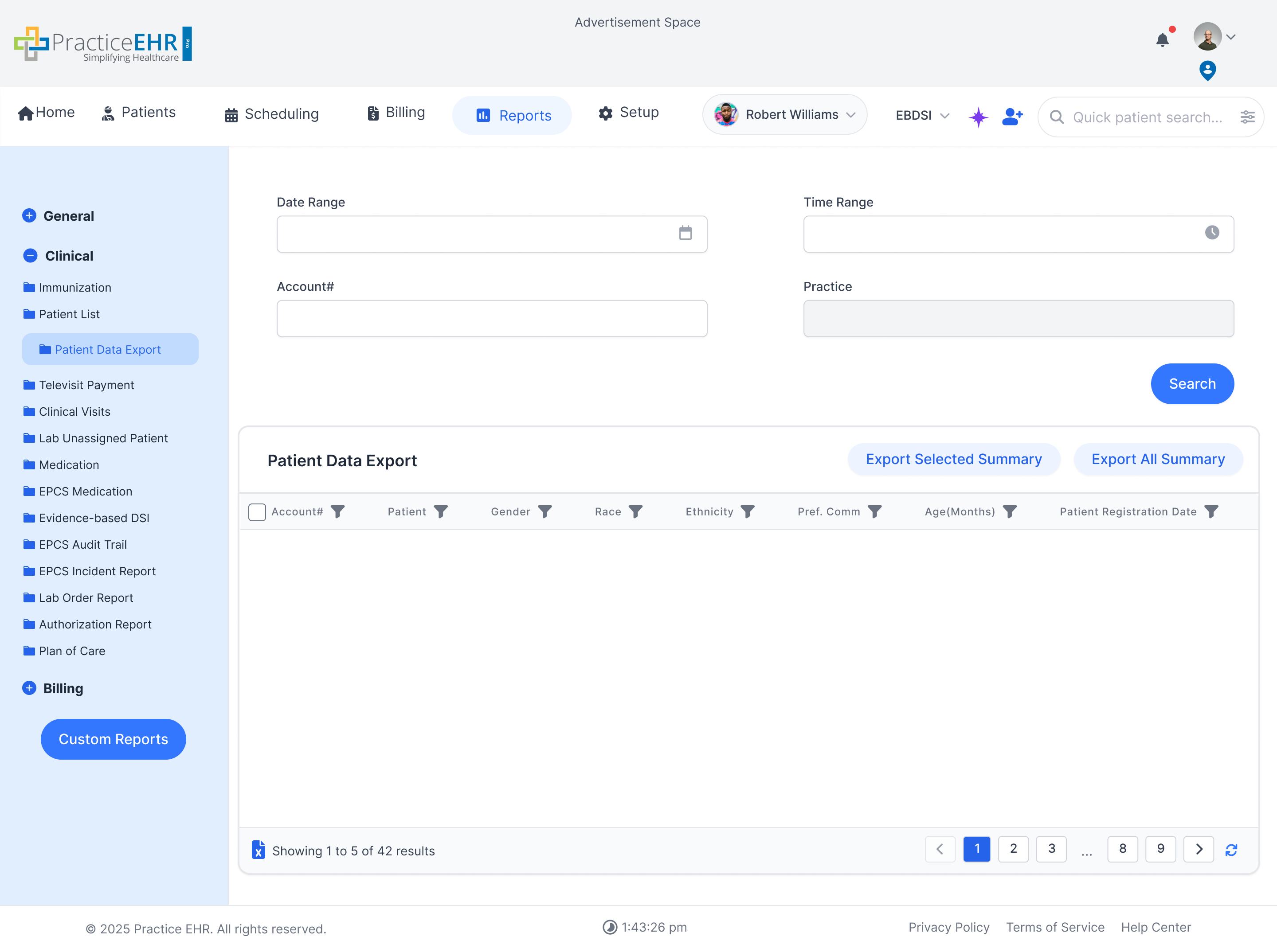
Patient Data Export
- Also sits under the Clinical sidebar and provides a structured patient export grid with
demographic and registration columns plus summary export actions.
- Useful for pulling filtered patient data into summary outputs for operational, clinical, or
audit-related review.
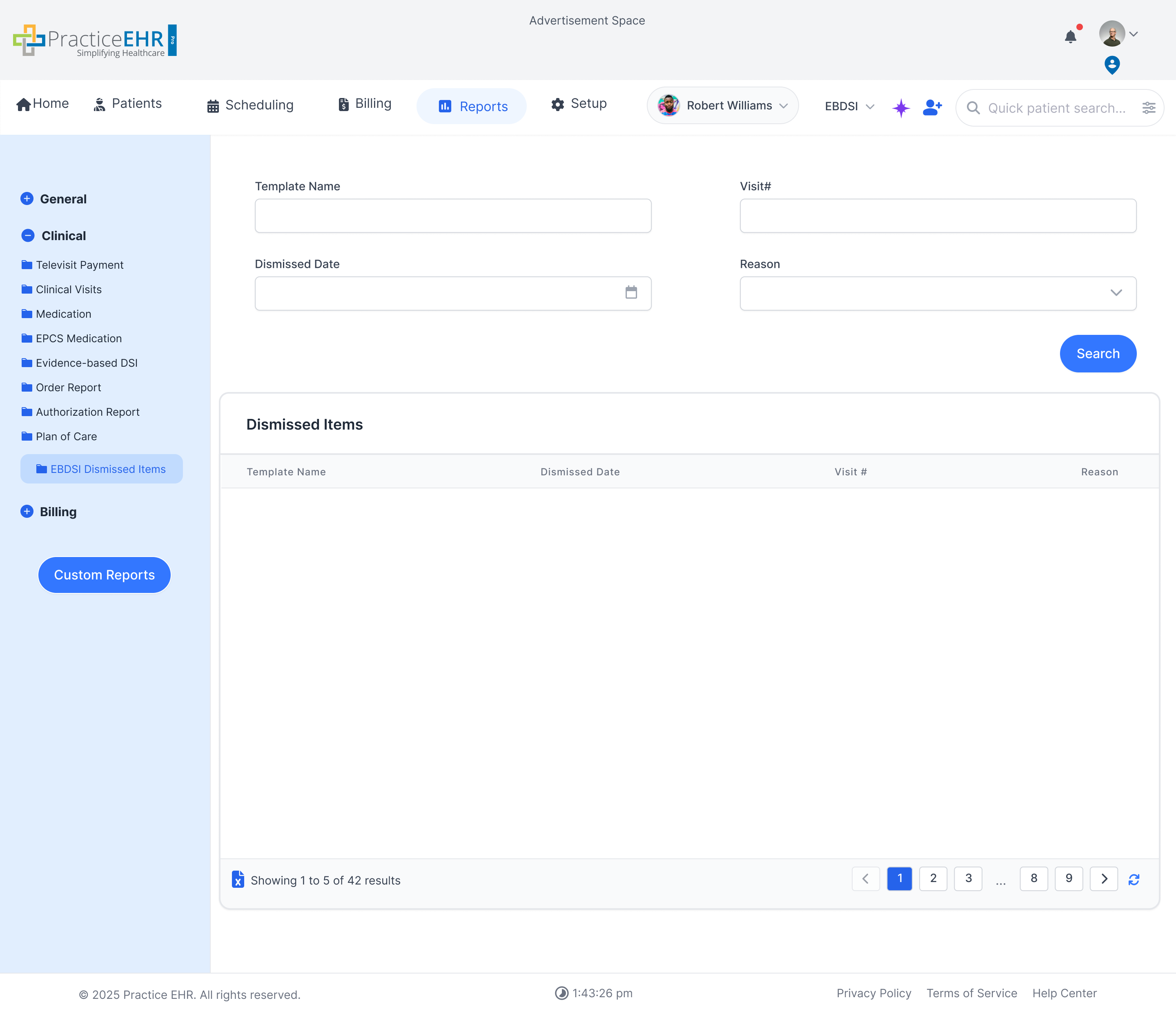
EBDSI Dismissed Items
- Belongs in the Clinical group and shows dismissed EBDSI items with template, visit, date,
and reason fields for follow-up reporting.
- Helps teams audit why an EBDSI item was dismissed instead of completed, which keeps those
decisions visible after the alert leaves the active workflow.
Report Builder
Custom Reports
This section documents the multi-step process for creating custom reports
using the Report Builder tool.
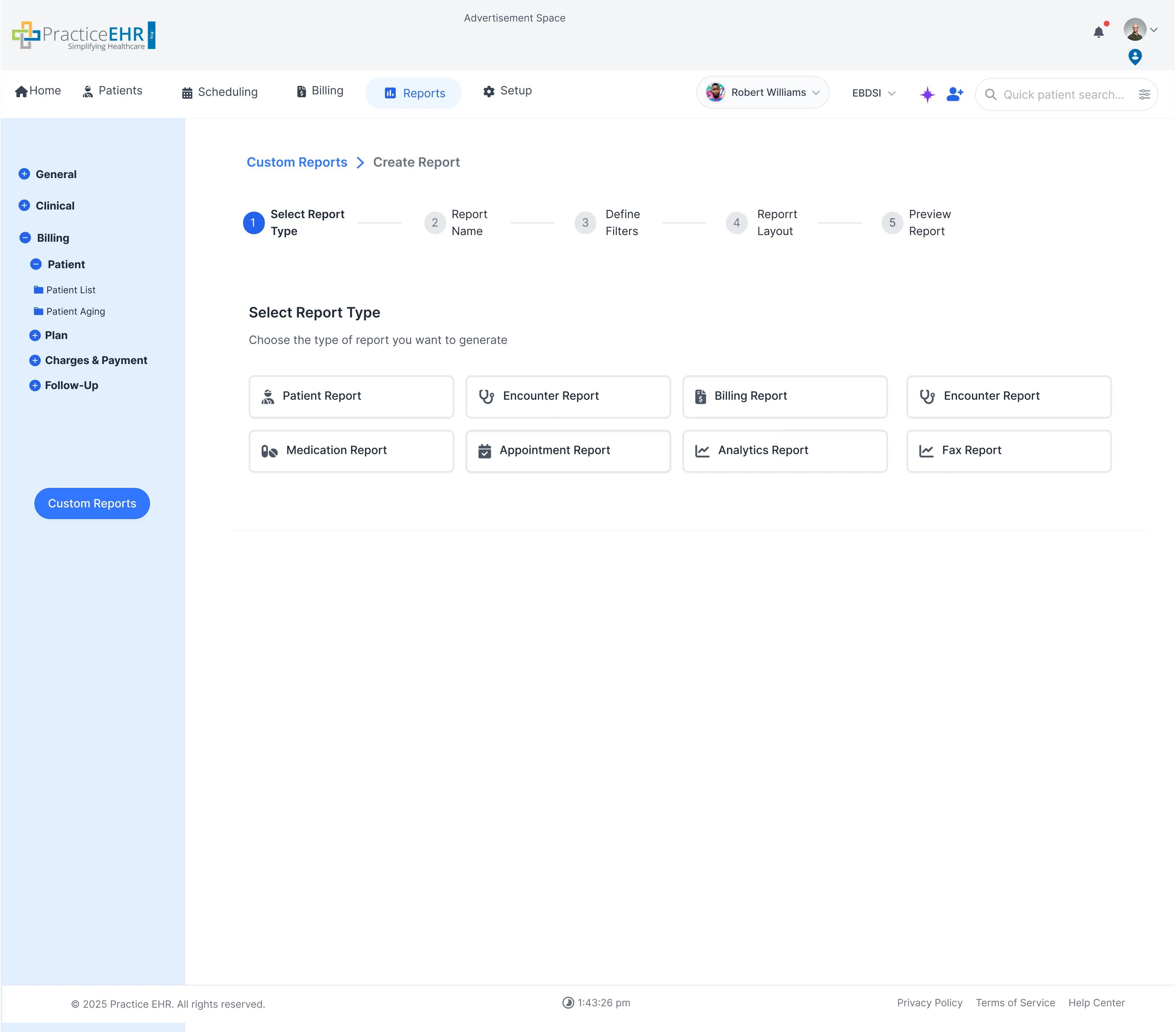
1. Select Report Type
- The initial step where you choose a base report type (e.g., Patient, Billing,
Encounter).
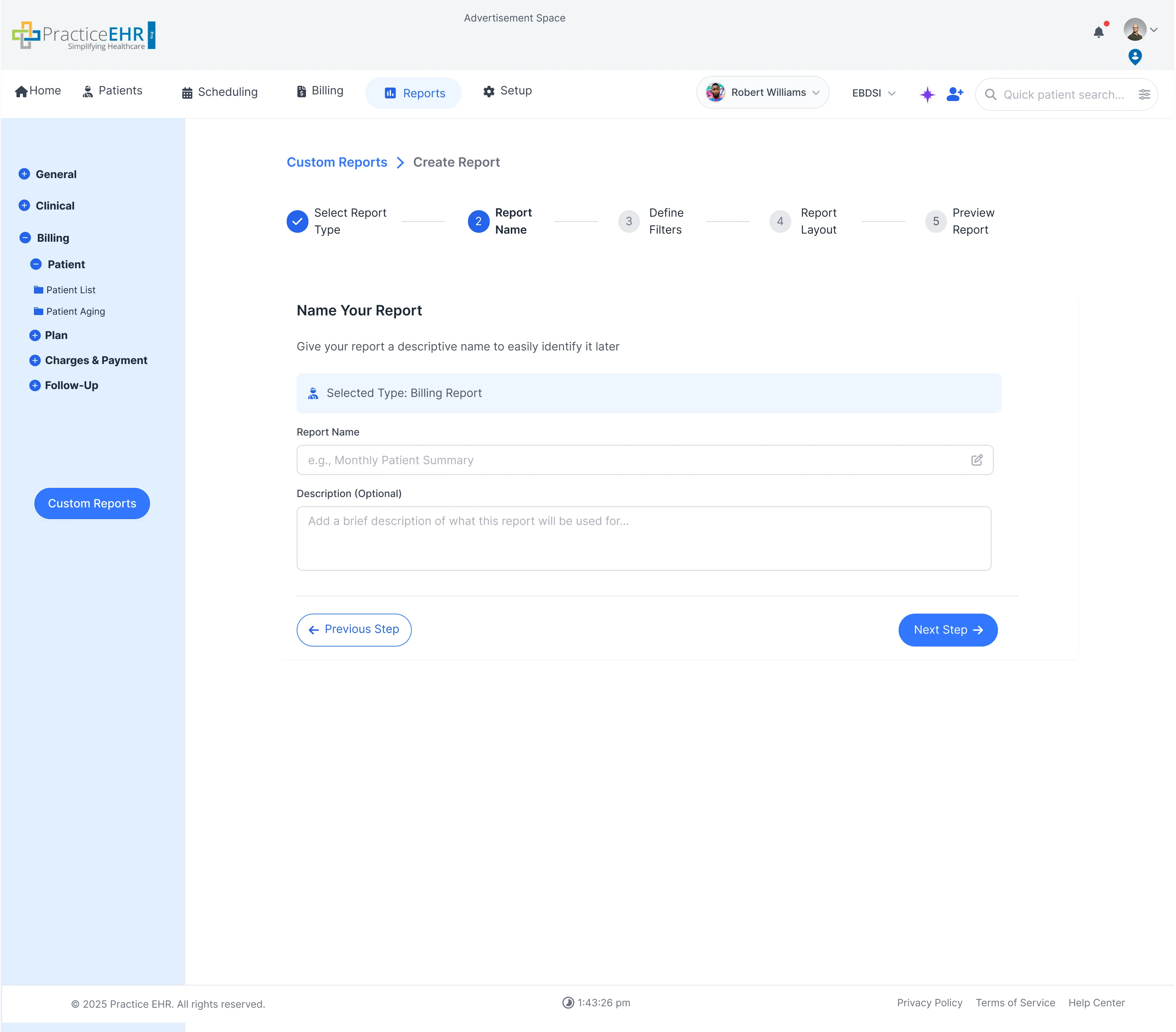
2. Name Your Report
- Give the custom report a unique, descriptive name and optional description for later
identification.
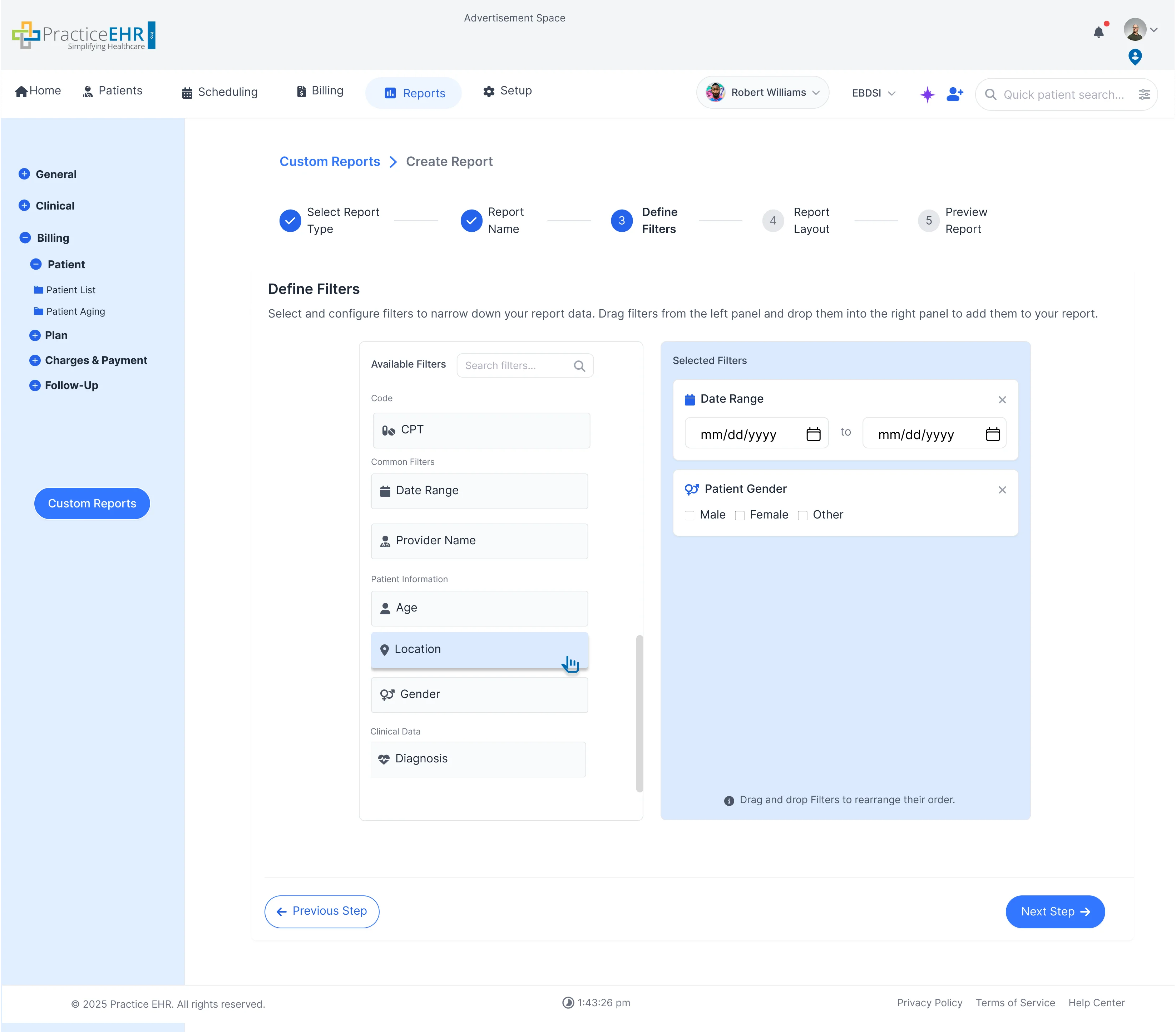
3. Define Filters
- Drag and drop filters (like Date Range, Location, Gender) to narrow down the data
set.
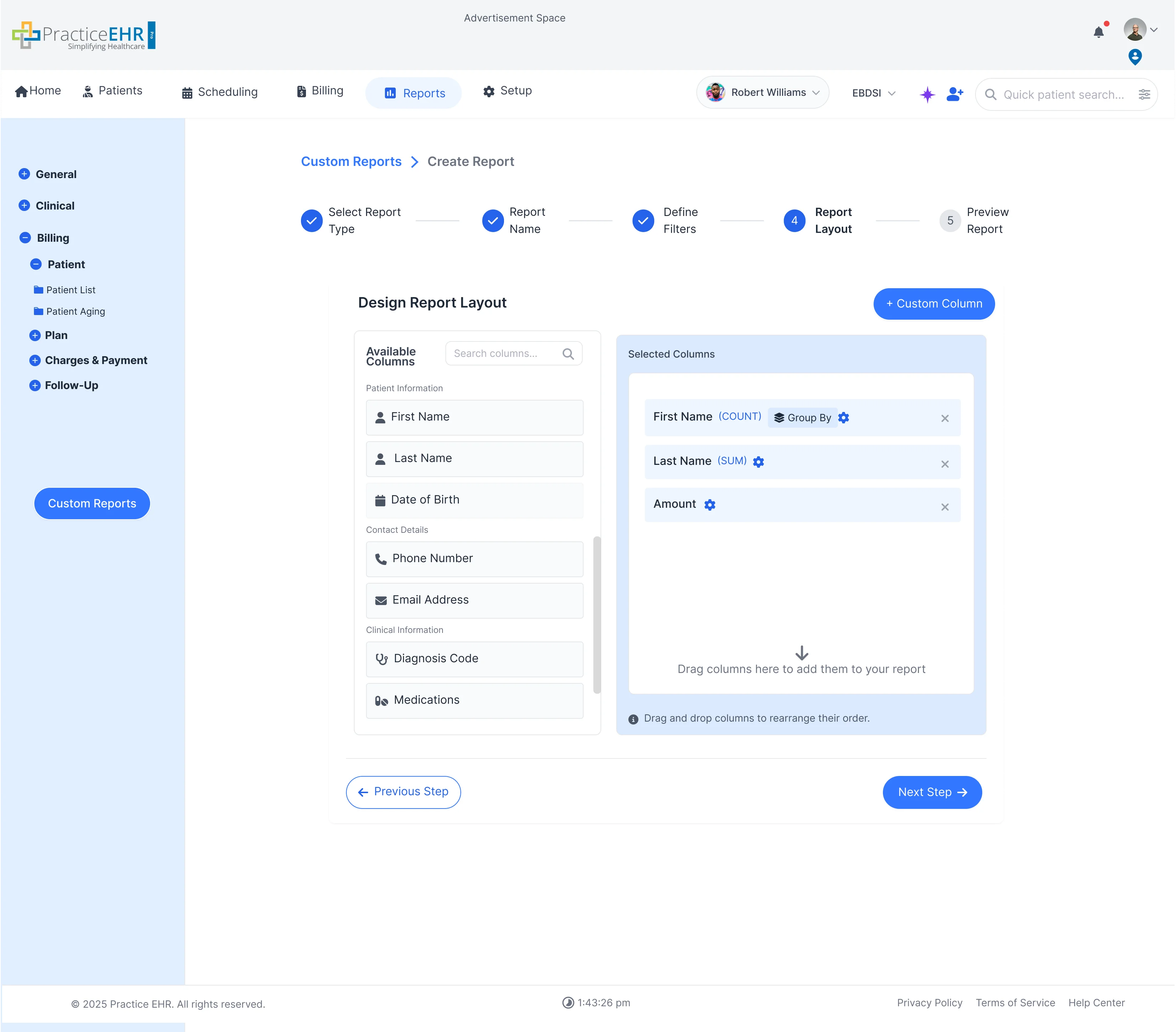
4. Design Report Layout
- Select and arrange the columns you want to appear in the final report, including
options for grouping and summing data.
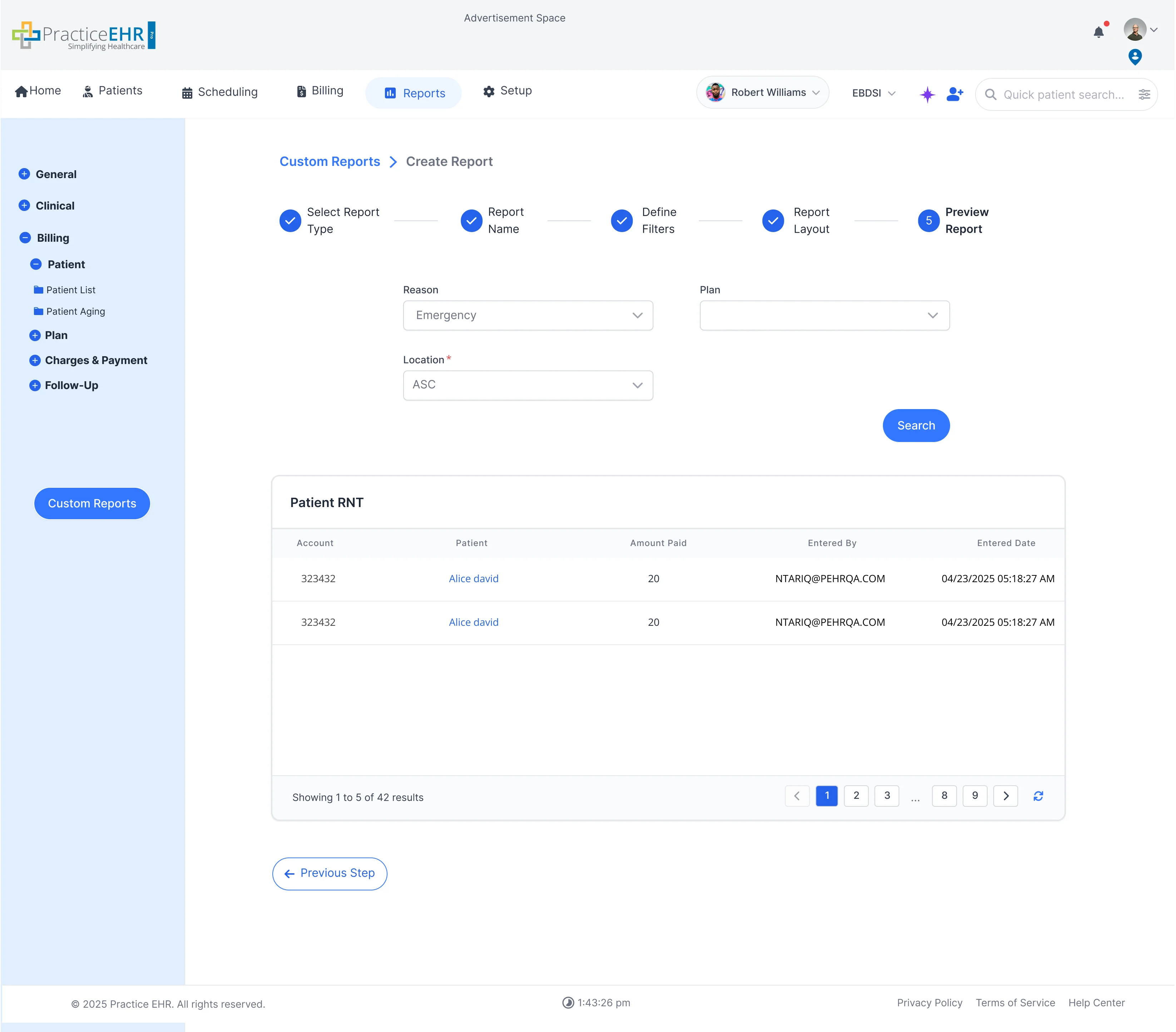
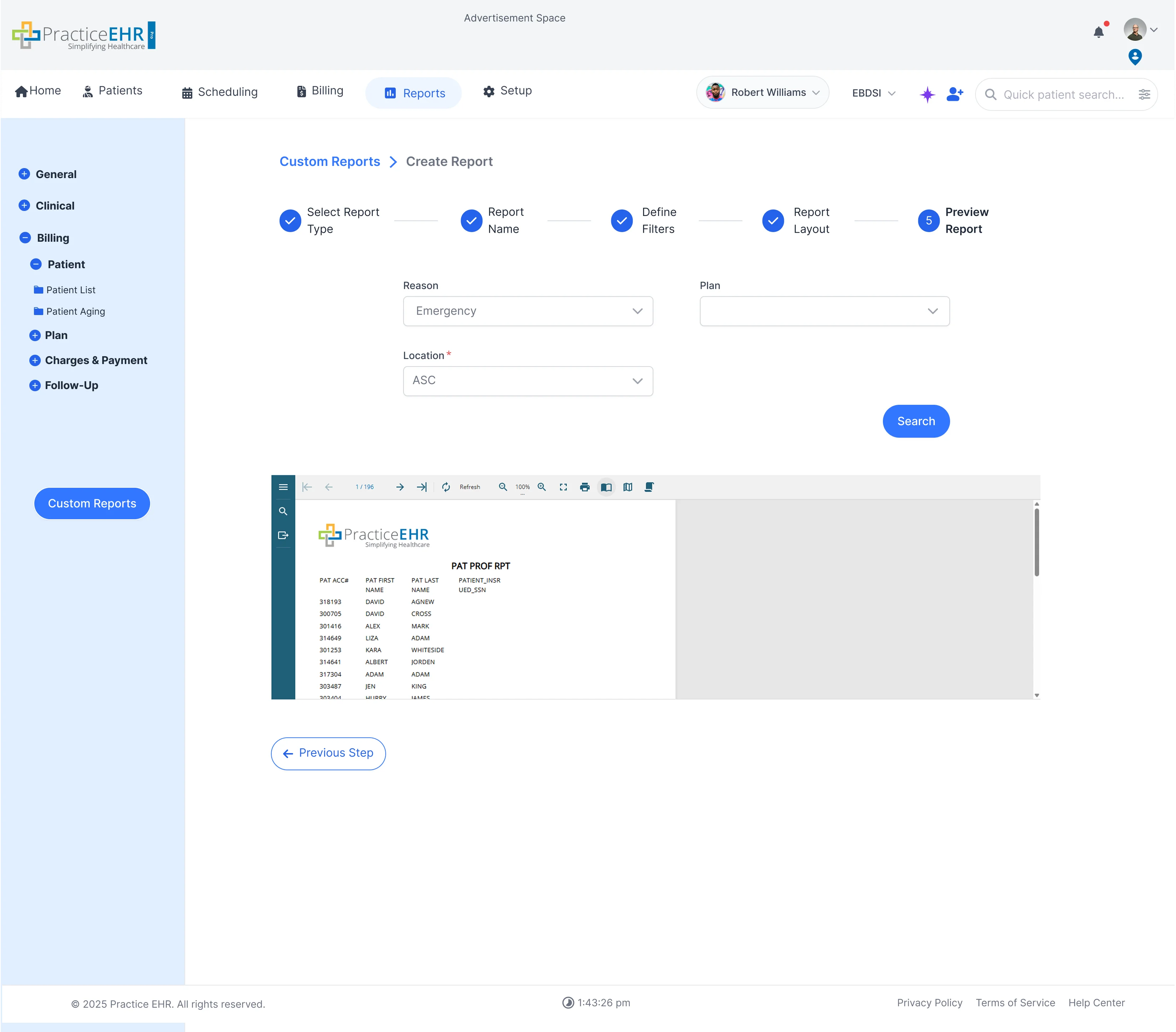
5. Preview Report
- Displays the report results in an interactive grid view and a print-ready preview.
.webp)